
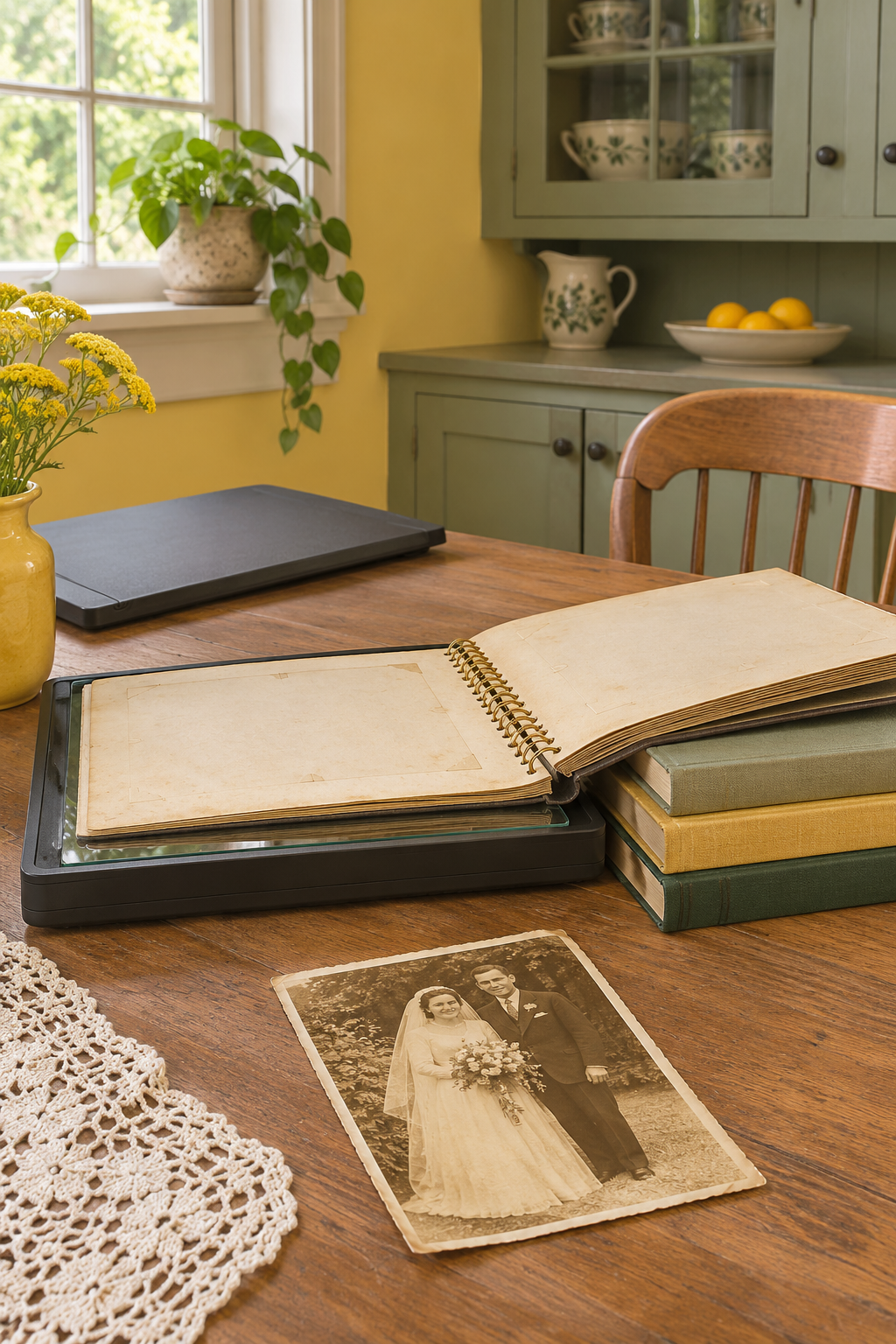
If a printed photo is stuck to an album page, copy it in place. For a sturdy album and a single page that naturally lies flat, a removable-lid flatbed can work. If you have to push the spine down to reach the photo, use a camera or phone above the open album.
As an Amazon Associate I earn from qualifying purchases.
Use the flatbed if the page rests on the glass on its own
- Pick a representative page. Try one with a print near the spine and one farther out. Look for loose paper, cracked bindings or seals that might catch on the scanner.
- Support the rest of the album. For a sturdy album, remove the scanner lid according to its manual. Place the page face down and support the rest of the book beside the scanner. Let the page settle without pushing down on the binding.
- Preview the whole page. Keep a copy with names and dates visible. Make a second file cropped to the photo if you want a print. If the page lifts around the spine or you see glare through the plastic overlay, switch to the overhead method.
The Epson Perfection V39 II flatbed scanner (paid link) has a removable lid. Compare its scanning area with the part of the page you want to capture and check desktop software support before buying. See Epson’s instructions for thick originals.
Photograph fragile or curved pages from above
Rest the album open where it opens comfortably. Hold the phone or camera parallel to the local area of the page and use even light from the sides. Turn the flash off if the sleeve reflects it. Photograph the whole page for context before taking close-ups. The National Archives explains why it uses an overhead camera or copy stand for bound materials.
Keep photos attached to their pages. The National Archives photograph handling guidance advises against separating adhered prints from their supports.
For a large stack of loose prints with notes on the back, see how Epson’s FastFoto scans both sides and which prints to keep out of the feeder.