
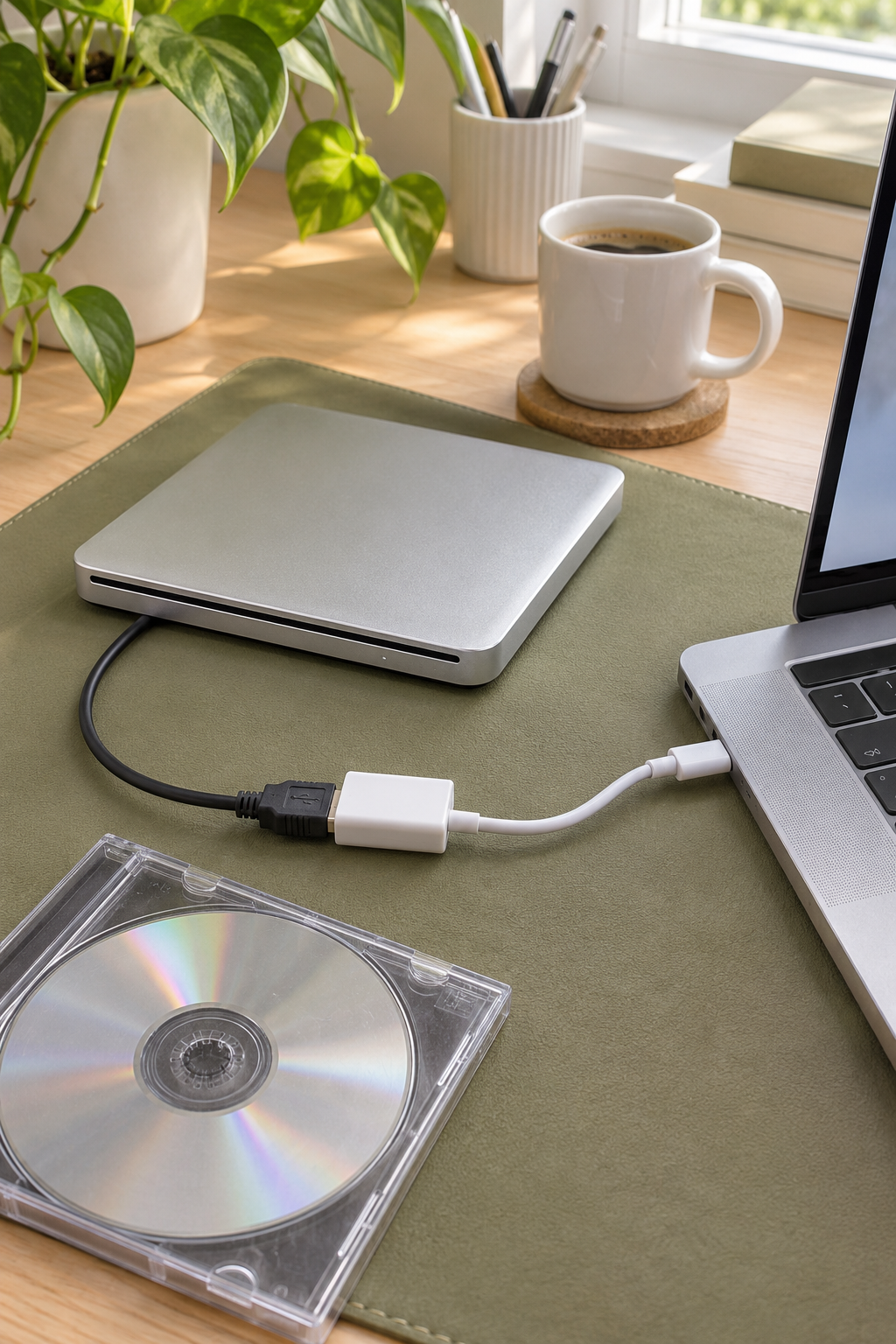
An Apple USB SuperDrive can connect to a compatible USB-C MacBook with one of Apple’s listed adapters. If you already own the drive, try that connection before replacing it. The drive’s attached cable ends in USB-A.
As an Amazon Associate I earn from qualifying purchases.
Use a direct connection for the first test
- Check the Mac and drive. Apple lists SuperDrive compatibility for eligible Mac models introduced in 2008 or later that lack a built-in optical drive. Look for the attached USB-A cable if the drive is being sold secondhand.
- Connect the adapter to the Mac. Apple lists its USB-C to USB Adapter and its USB-C Digital AV and VGA Multiport Adapters. If setup through a dock gives you a power warning, move the drive to a supported adapter connected to the Mac.
- Test the disc you actually care about. Start with a known-good full-size audio CD or DVD. A normal read with that disc gives you a useful reference if a burned or damaged disc gives you trouble.
Apple’s SuperDrive connection instructions list the adapter choices. The Apple USB-C to USB Adapter (paid link) is the small one-port option if you only need to connect the drive. Apple also lists its current USB-C to USB Adapter directly.
Check a used drive before ordering
Ask the seller for a photo of the attached lead and whether the drive accepted, read and ejected a disc. If your main project is copying old photo CDs, see whether a drive you can borrow already opens the discs before you pay for an adapter or a replacement.