
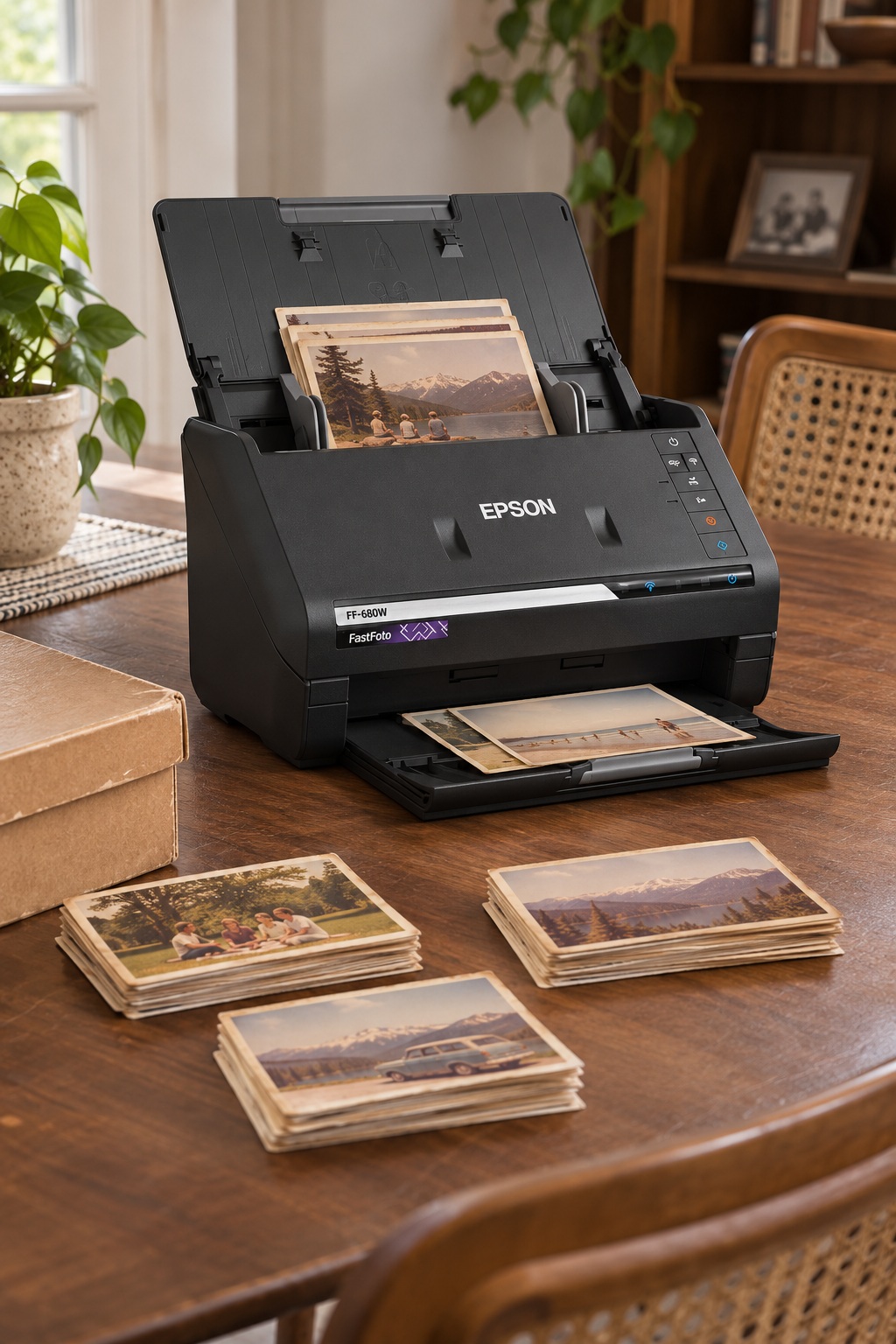
Yes, the Epson FastFoto FF-680W can scan the front and back of a printed photo in one pass. In the FastFoto software, enable back-side scanning so handwritten names and dates can be saved with the picture. Test the setting on a few prints with faint notes before scanning the whole box.
As an Amazon Associate I earn from qualifying purchases.

Use 300 dpi for speed or 600 dpi for an archive
Choose 300 dpi if you mostly want a quick set of copies for sharing. Choose 600 dpi for an archive with more room to crop or reprint later. Check one front-and-back pair at full size before committing to a large batch.
Start with a small stack of flat prints of the same size. Epson lists up to 36 for some thinner prints, depending on their size and thickness. Use a folder name such as Family photos, 1980s if dates are approximate.
Set fragile prints aside before loading the feeder
Epson advises against loading fragile or irreplaceable prints directly into the tray. For suitable originals, use the included carrier sheet one print at a time. Consider a flatbed for prints that are torn or too delicate to feed, or prints still attached to an album page.
Check Epson’s photo loading limits and the FastFoto user guide before starting.
When the FastFoto is worth buying
The feeder makes the most sense for a large collection of loose prints. If you only need to digitize a few photos, a flatbed you already own or a library scanning station may be plenty. Keep a second copy of the scans before putting the originals away.
Found tapes in the same box? Start with the VHS-to-digital checklist.