
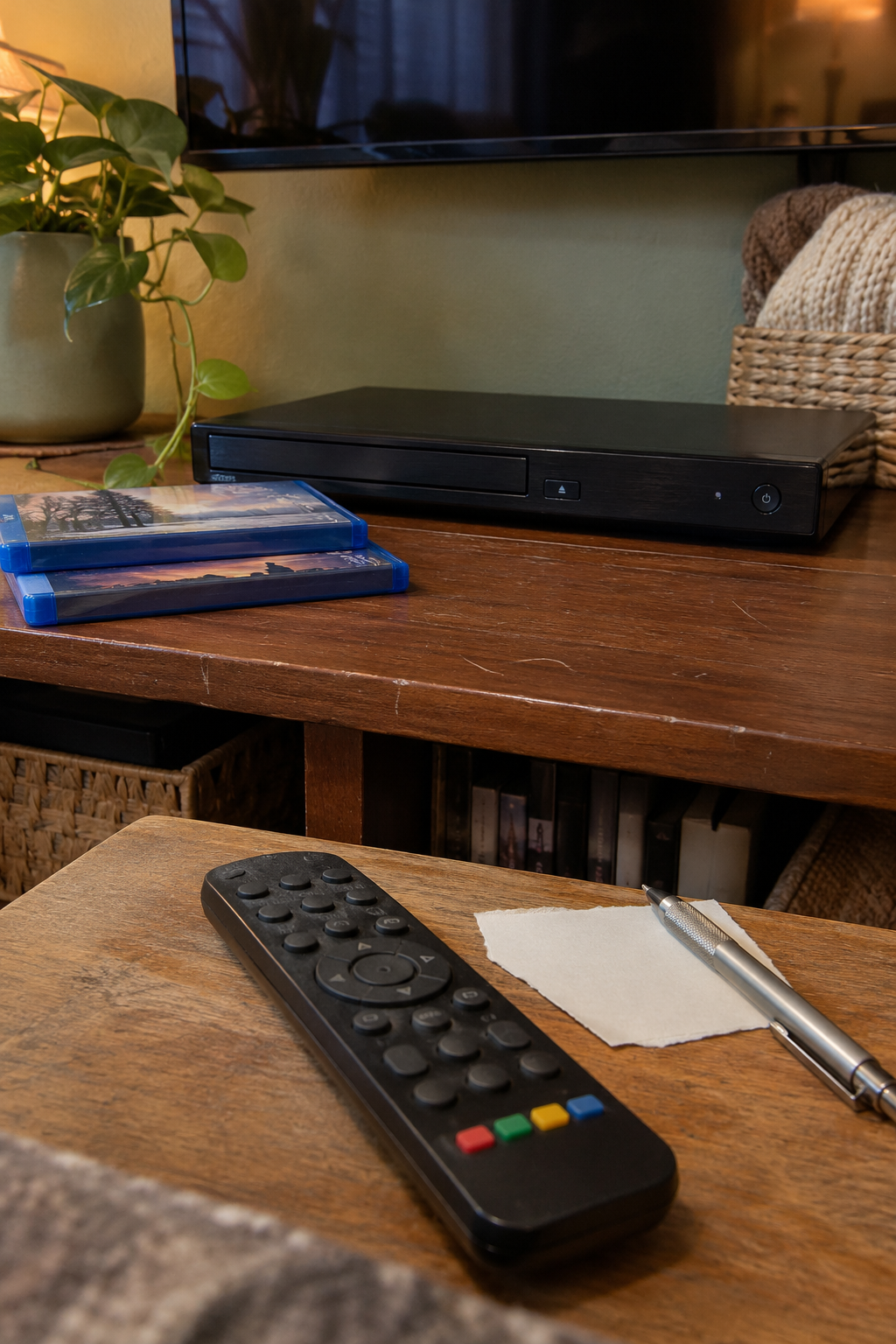
If the Sony Blu-ray player you found at a thrift store is missing its remote, write down the entire model number before you order a replacement. For the BDP-S3700, Sony’s U.S. specifications list the RMT-VB201U. Sony’s manuals page also notes that included remotes can vary by market.
As an Amazon Associate I earn from qualifying purchases.
Match the player and the functions you use
- Read the player label. Look for BDP-S3700 on the rear or bottom label, and look for that exact model in the replacement listing.
- Check the key layout. Look for the arrows, center Select button, TOP MENU and POP UP/MENU. If you use subtitles or alternate audio tracks, confirm there are SUBTITLE and AUDIO controls too.
- Check batteries and TV controls. Check the listing for battery type and whether they are included. If you want one handset to handle your TV volume too, look for support for your specific TV.
A replacement to compare
The VINABTY RMT-VB201U-style replacement (paid link) lists the Sony BDP-S3700 in its compatibility documentation. Compare the photos and the listing’s model list before ordering. If you prefer an original Sony handset, use the part number from Sony’s specifications when searching for a used one.
Test the buttons with a disc you know
Put in fresh batteries and point the handset at the front of the player. Test Home and the arrow keys, then load a familiar Blu-ray and try TOP MENU. Try POP UP/MENU during playback on a disc that supports it. Use the subtitles or audio menu once so you know what works before the next movie night.
See Sony’s model and remote specifications and the BDP-S3700 operating instructions.