
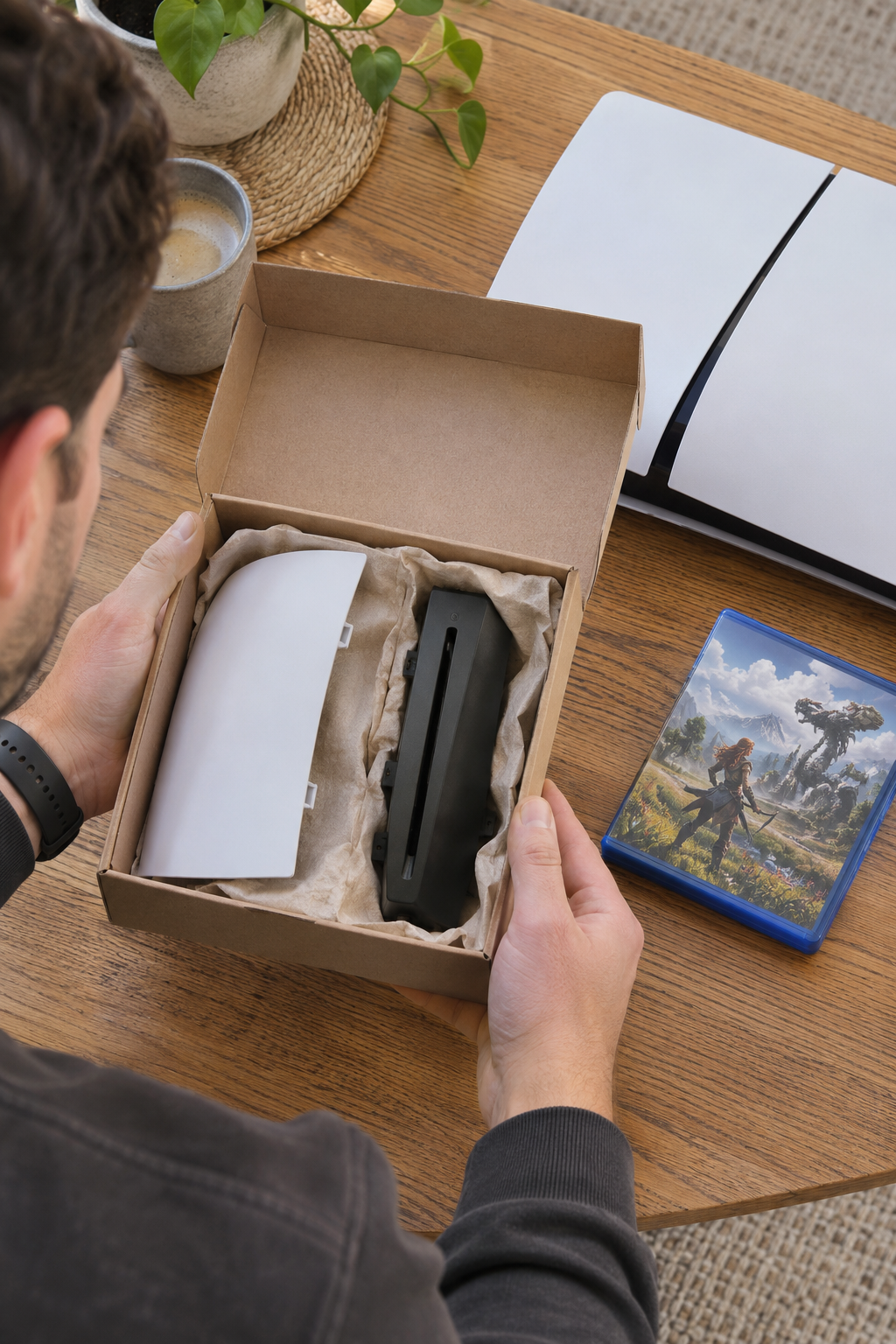
Sony lists the detachable Disc Drive for PS5 Slim Digital Edition consoles in the CFI-2000 and CFI-2100 model groups and for PS5 Pro. If you have an original CFI-1000-series Digital Edition, choose a console with disc support if you want to play physical games. Check the CFI number on the console label before ordering any accessory.
As an Amazon Associate I earn from qualifying purchases.
| Console at the listing | What to check before ordering |
|---|---|
| Original PS5 Digital Edition | Check for the CFI-1000 family on the label. This group has no detachable drive option. |
| PS5 Slim Digital Edition | Find a CFI-2000 or CFI-2100 model and confirm that the accessory is Sony’s CFI-ZDD1 series. |
| PS5 Pro | Allow time to pair the separately sold drive online and test a disc. |
What to check on the console and the drive listing
Ask for a clear console-label photo. A retailer may use the words “PS5 Digital” for different generations. Compare the CFI prefix with the compatibility list on Sony’s U.S. Disc Drive page.
Look for the Sony detachable drive in the CFI-ZDD1 series. For an open-box drive, ask whether the white drive cover and both horizontal feet come with it. Sony lists those items with the Disc Drive.
Plan to connect to the internet when you set up the drive. Sony requires an internet connection to pair the drive and the compatible console. Leave time to set up and try a known-good game disc before giving it as a gift.
When the upgrade is worth it
List which discs you actually want to use. Sony lists PS5 game discs, supported PS4 game discs, 4K UHD Blu-rays, Blu-rays and DVDs. Check Sony’s media-format guide if a specific disc format matters to you.
If you’re shopping for the console and the drive together, compare the total with a complete console that already includes a disc drive. For a used accessory, check seller photos and return terms before paying.
Where to look for the supplies
Search Amazon for the Sony CFI-ZDD1 Disc Drive (paid link). Compare the exact model or insert size in the listing before ordering.
Related guide
Want to use a disc game on the handheld? Check how PlayStation Portal Remote Play handles it.
Sources
Sony’s U.S. Disc Drive listing and compatible model groups
Sony’s disc drive pairing and setup guide
Sony’s media-disc compatibility guide
The featured image is an AI-assisted scene illustration.