
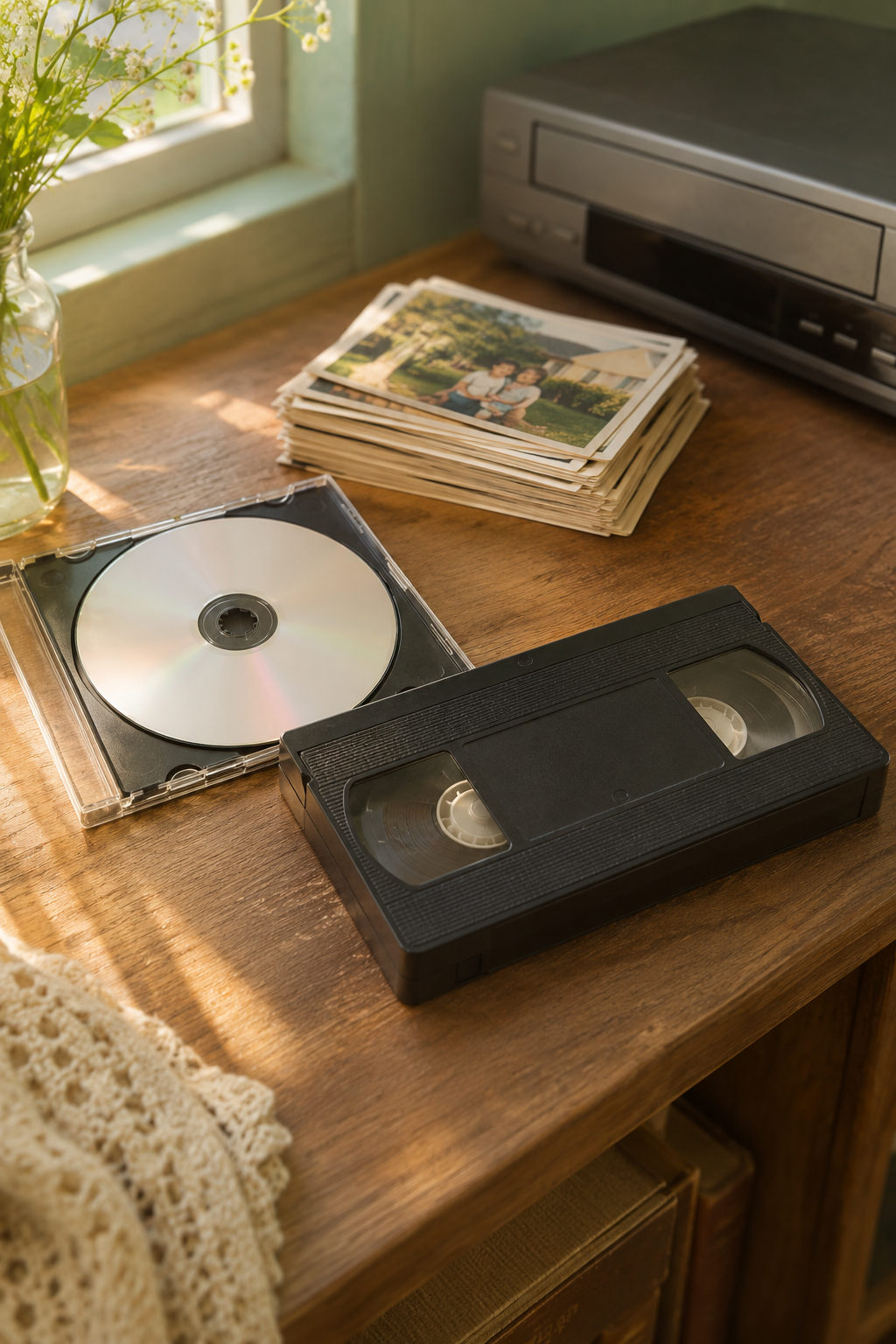
The Panasonic DMR-EZ48V can record a home VHS tape onto a supported blank DVD, including DVD-R. For a secondhand purchase, check the full model label and ask to see the DVD side actually record. A VHS/DVD combo that only plays DVDs won’t solve the recording job.
As an Amazon Associate I earn from qualifying purchases.
Check the recorder and blank media first
Use the operations manual for the full model and region. Panasonic’s North American DMR-EZ48V manual lists a VHS-to-DVD copying function. Ask for the remote and a recording test if you’re buying used.
Check the disc format and recording mode. The manual estimates about two hours for standard play on a 4.7 GB recordable disc. Allow some room for the whole tape and try a short, replaceable recording first.
Use a tape you recorded or are allowed to copy. Check that the tape plays cleanly before doing a full transfer. Keep the original tape until your copy is confirmed.
Message to a used seller “Could you send the full model number and show a sample home tape recorded onto a blank DVD-R? Is the original remote included, and did you try the finalized disc in another player?”
Test the DVD in the player that will actually get it
Set up the tape at the place that should start the recording, choose a supported blank disc and follow the manual’s VHS-to-DVD copy steps. The guide distinguishes between copying with automatic finalization and copying for later finalization.
If the DVD-R needs to play somewhere else, use the manual’s finalization instructions. A disc that plays in the recorder alone may still need that step. Once you’ve finished it, try it in the intended DVD player and check picture, sound and the end of the recording.
For an irreplaceable tape, keep a second copy in a different place. If you want a video file from the start, compare a capture device that writes to a computer or removable storage.
Where to look
Search Amazon for Verbatim 4.7 GB DVD-R media (paid link). Check the exact model, fit and package contents on the seller’s listing.
Related guide
Prefer a video file? See how to digitize a tape to removable storage without a computer.
Sources
Panasonic DMR-EZ48V operations manual, recording modes and VHS copying
The featured image is an AI-assisted scene illustration.