
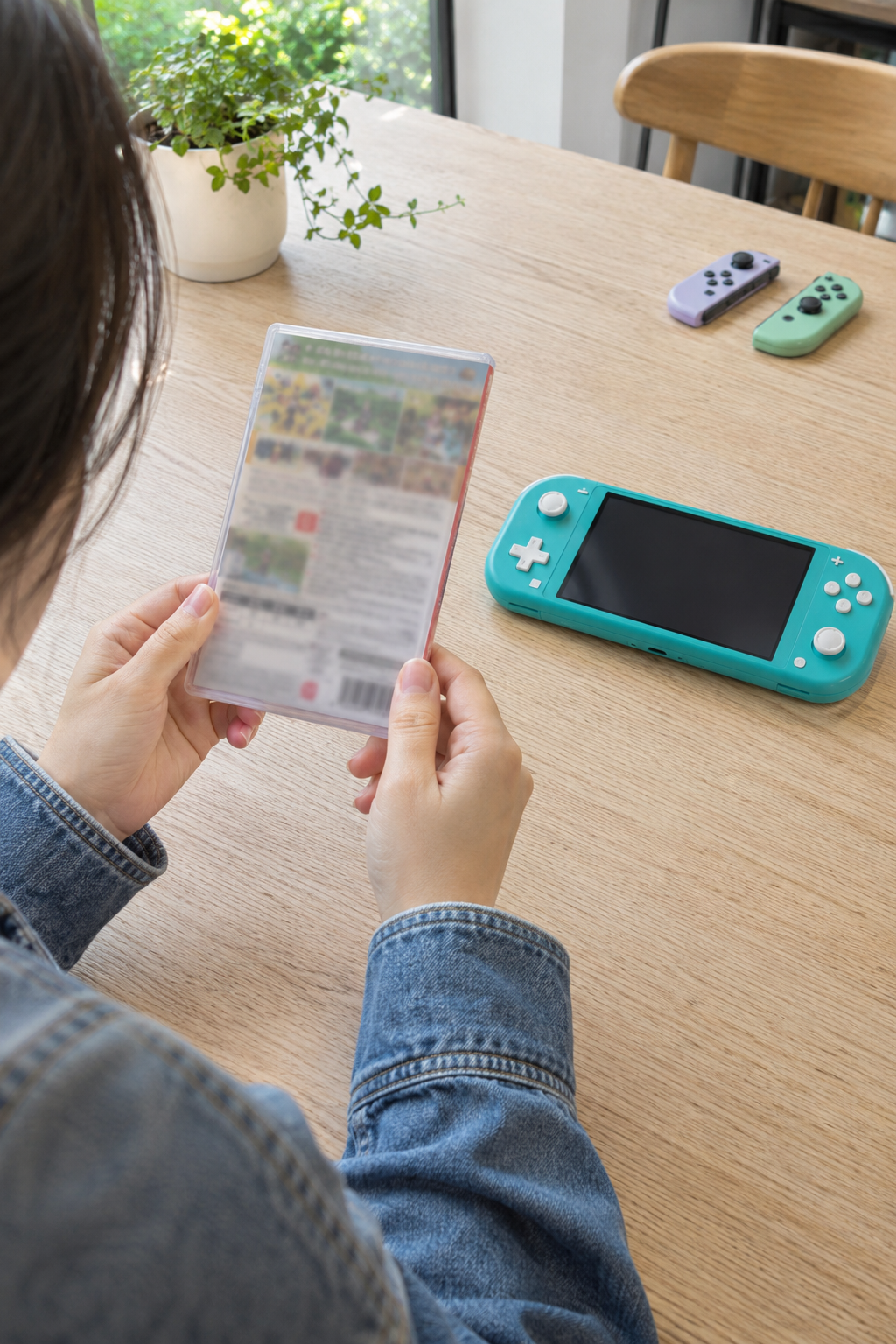
Switch Lite plays Nintendo Switch games that support handheld mode, including physical game cards in that library. Read the back of the package for the handheld-mode icon. If you’re buying a loose card, look up the exact game’s supported play modes on Nintendo’s site before ordering.
As an Amazon Associate I earn from qualifying purchases.
Do a two-minute check on the exact listing
Check which system the game is for. Switch Lite is an original Nintendo Switch family system. A similarly named title can have a different release for a newer console. Compare the label on the actual game card.
Look up handheld mode on the packaging or Nintendo product page. If you can see only the front box, ask for a photo of the back or search for that edition’s software listing.
Read those notes even if there’s a controller icon. Nintendo says some experiences rely on certain Joy-Con features. For a gift, choose a title that suits the way the recipient actually plays.
Separate controllers add two more checks
Nintendo says you can wirelessly connect separate compatible controllers for some games that use them. Confirm what the particular game needs. The Switch Lite screen still does the displaying, so plan where it will sit during motion play.
If you use original Joy-Con with Switch Lite, have a way to charge them. Nintendo lists the separately sold Joy-Con Charging Grip or Charging Stand. The regular grip and the charging version look similar. Check for the charging model HAC-012 if that is what you need.
Where to look
Search Amazon for Nintendo’s HAC-012 Joy-Con Charging Grip (paid link). Check the exact model, fit and package contents on the seller’s listing.
Related guide
Shopping for a newer console bundle instead? See what comes in the Switch 2 Mario Kart World bundle.
Sources
Nintendo Switch family comparison and play modes
Nintendo’s Joy-Con charging instructions
Nintendo’s guide to compatible play modes
The featured image is an AI-assisted scene illustration.