
Yes. A USB DVD drive can play your music CDs if the drive supports audio CDs and your laptop has a compatible port and playback app. You can listen to the disc as soon as the app recognizes it.
What to check before buying an external CD drive
- Look for audio-CD support. Check the exact model’s specs for audio CD playback, especially if the product title mainly talks about DVD burning.
- Check the connector on your laptop. A drive with a USB-C plug needs a USB-C port that supports data. If your laptop only has rectangular USB-A ports, look for a model with a USB-A connection.
- Leave room for the tray and cable. Set the drive flat beside the laptop with enough space for the tray to open. If your USB ports are normally occupied by a dock, check whether you have a spare port for a direct connection.
A compact USB-C option
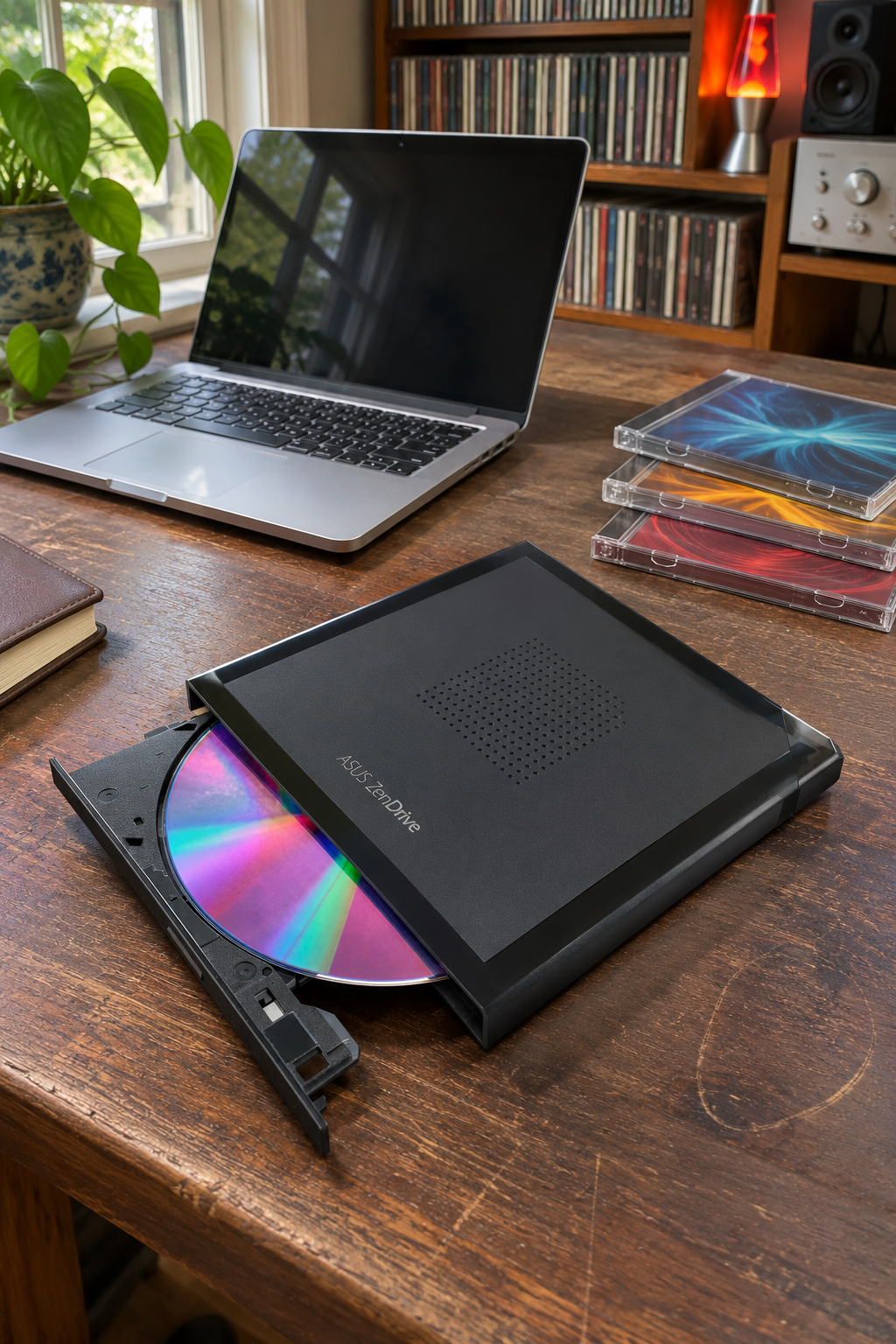
The ASUS ZenDrive V1M (SDRW-08V1M-U) supports audio CD playback. Its short USB-C cable stores in the drive, which makes it easy to put away between uses. ASUS lists support for Windows 11 and macOS. See the ASUS product details or compare the specs at Micro Center.
As an Amazon Associate I earn from qualifying purchases.
See the ASUS ZenDrive V1M on Amazon (paid link). Match the V1M model number and the USB-C connection before ordering.
How to play your first CD
- Connect the drive directly. Open the tray and insert a music CD you know plays. If you started with a hub and the drive doesn’t show up, connect it directly to the laptop and try again.
- On Mac, open Music. For automatic playback, go to Music → Settings → General and choose Play CD under the setting for inserted CDs. If Music asks to import the tracks, decline and select the track you want to hear. See Apple’s Music guide.
- On Windows 11, open Windows Media Player Legacy. Select the audio CD in the navigation pane and double-click a track. If the app is missing, search Settings for Optional features and add Windows Media Player Legacy if it’s available. See Microsoft’s Media Player help.
If the discs have started to take over your desk, see these CD storage ideas that keep the jewel cases.
Featured image is an AI-generated illustration of the setup.