
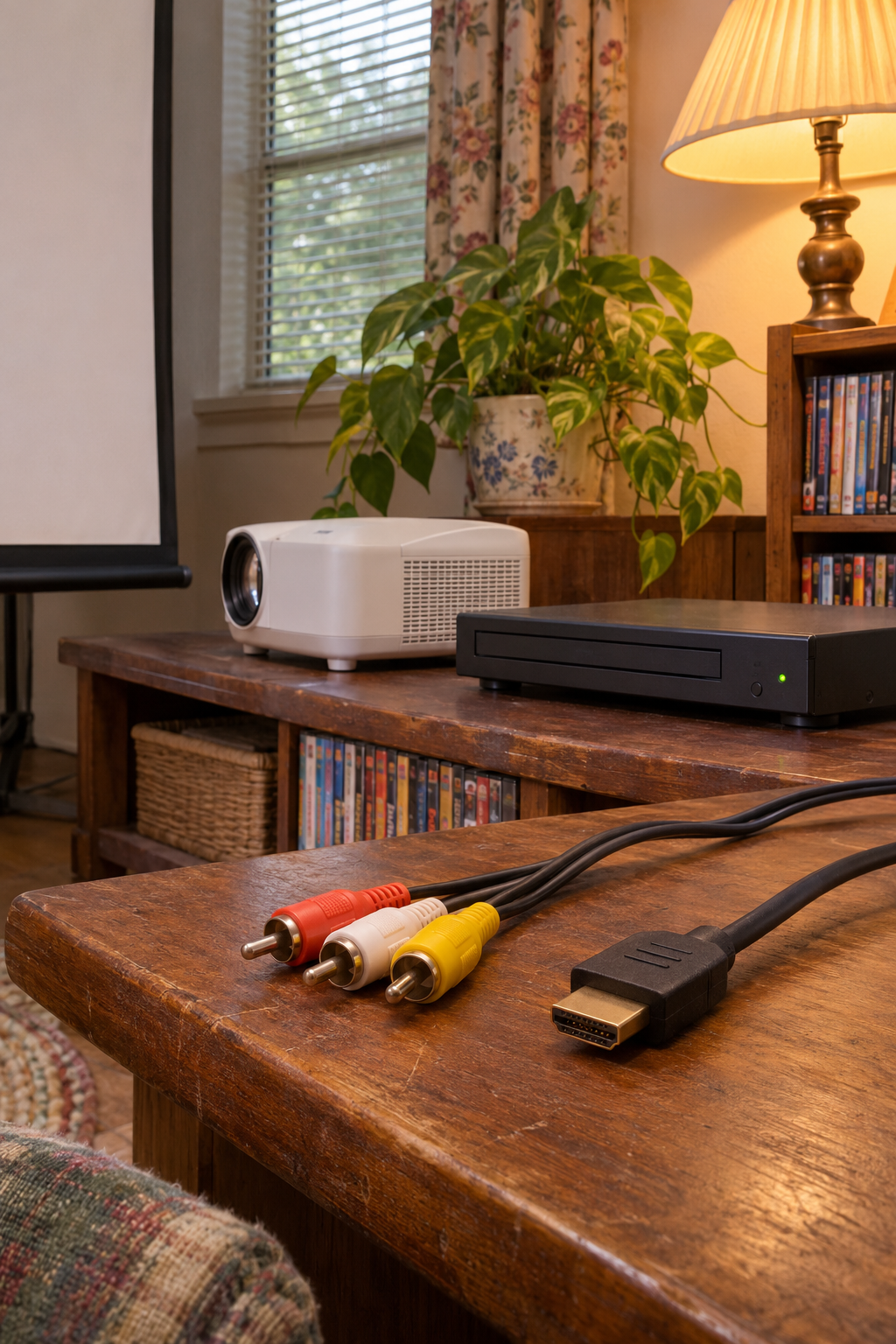
Check the outputs on the DVD player and the inputs on the projector. If both devices have HDMI, start with one HDMI cable. If the player only has yellow, white, and red composite A/V connections and the projector only accepts HDMI, you’ll need a powered RCA-to-HDMI converter.
This post contains affiliate links. As an Amazon Associate I earn from qualifying purchases.
Pick the route that matches your ports
- HDMI on both. Connect DVD HDMI OUT to a projector HDMI input, then select that input. HDMI can carry picture and sound together. Check the Epson HDMI setup example or the manual for your projector model.
- Composite on both. Match yellow VIDEO OUT to a yellow composite video input. The white plug carries left audio and the red plug carries right audio to a matching input or a compatible powered speaker. Read the port labels because red can also be used for a separate component video jack. On a projector with a small AV IN jack instead of full-size sockets, look up that model’s breakout cable before you buy one. The Epson composite connection manual shows a direct yellow-jack example.
- Composite from the DVD player, HDMI into the projector. Match the three RCA plugs to the converter’s inputs. Run an HDMI cable from the converter’s HDMI output to the projector and supply the converter’s specified power. A cable that only changes the plug shape cannot convert the signal.
What to buy for the third setup
The ABLEWE Mini RCA-to-HDMI converter takes the three composite plugs as inputs, sends video and audio out over HDMI, and needs a 5 V USB power source. The maker lists a USB power cable in the box. Check whether you already have a power adapter, an HDMI cable, and the RCA cable you need. See the ABLEWE AV2-12HD on Amazon. The Insignia RCA-to-HDMI converter is another one-way option. Look for RCA input → HDMI output on either box.
Picture but no sound?
Check whether the projector has a speaker and that the correct audio input is selected. With direct composite video, the yellow cable carries only the picture. If you’re using an external speaker, check for a compatible audio output on the projector or use the DVD player’s separate audio outputs if the model supports that routing. Test with a disc before guests arrive.
If you’re choosing a holiday disc to test with, see which Home Alone edition includes both movies.
The featured image is a photo-style illustration.