
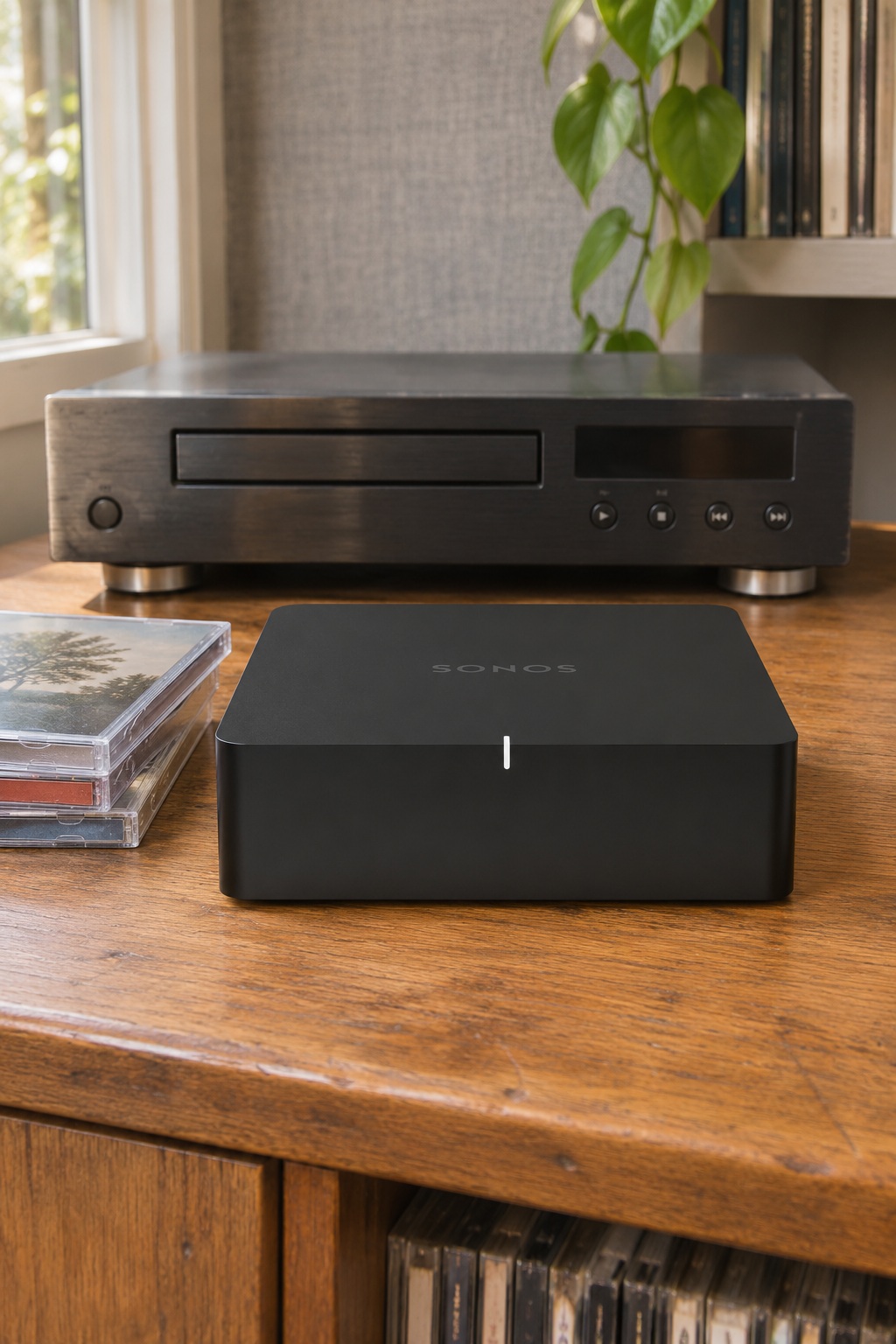
A Sonos Port lets you play a CD through rooms in your existing Sonos system. Your CD player still spins the disc. Connect its analog outputs to Port, then choose that Line-In source in the Sonos app. This works well when your CD player sits next to your stereo and you’d like to hear it elsewhere in the house.
As an Amazon Associate I earn from qualifying purchases.

Check for analog output before ordering
Look for red and white RCA jacks labeled audio out on the CD player. Run the included RCA cable from those jacks to the rear jacks marked IN on Port. If the player has only an optical or coaxial digital output, you’ll need a compatible digital-to-analog converter to feed Port’s analog input.
Port has its own line-level audio outputs for an existing receiver or amplifier. If you’re adding traditional passive speakers, connect them to the amplifier or receiver.
Start the disc and select the rooms
Add Port to your Sonos system and start the CD. In the app, select the room or group you want to hear it in. From Home, open Line-In under Your Sources and choose the source. Sonos also offers an Autoplay setting for line-in.
See the Sonos Port setup steps if the source doesn’t appear.
You may already have a compatible input
If your CD player is near a Sonos Five, Era 100, or Era 300, you may be able to use the speaker’s own input. The Five has a 3.5 mm input. The Era speakers can use the Sonos Line-In Adapter, with line-in disabled while they’re configured as surrounds. Check the Sonos Line-In product list for your model. Port makes sense when you want to bridge a stereo setup or your player sits away from a compatible speaker.
Need to check the player itself? See the analog and digital outputs in the Onkyo six-disc CD changer guide.