
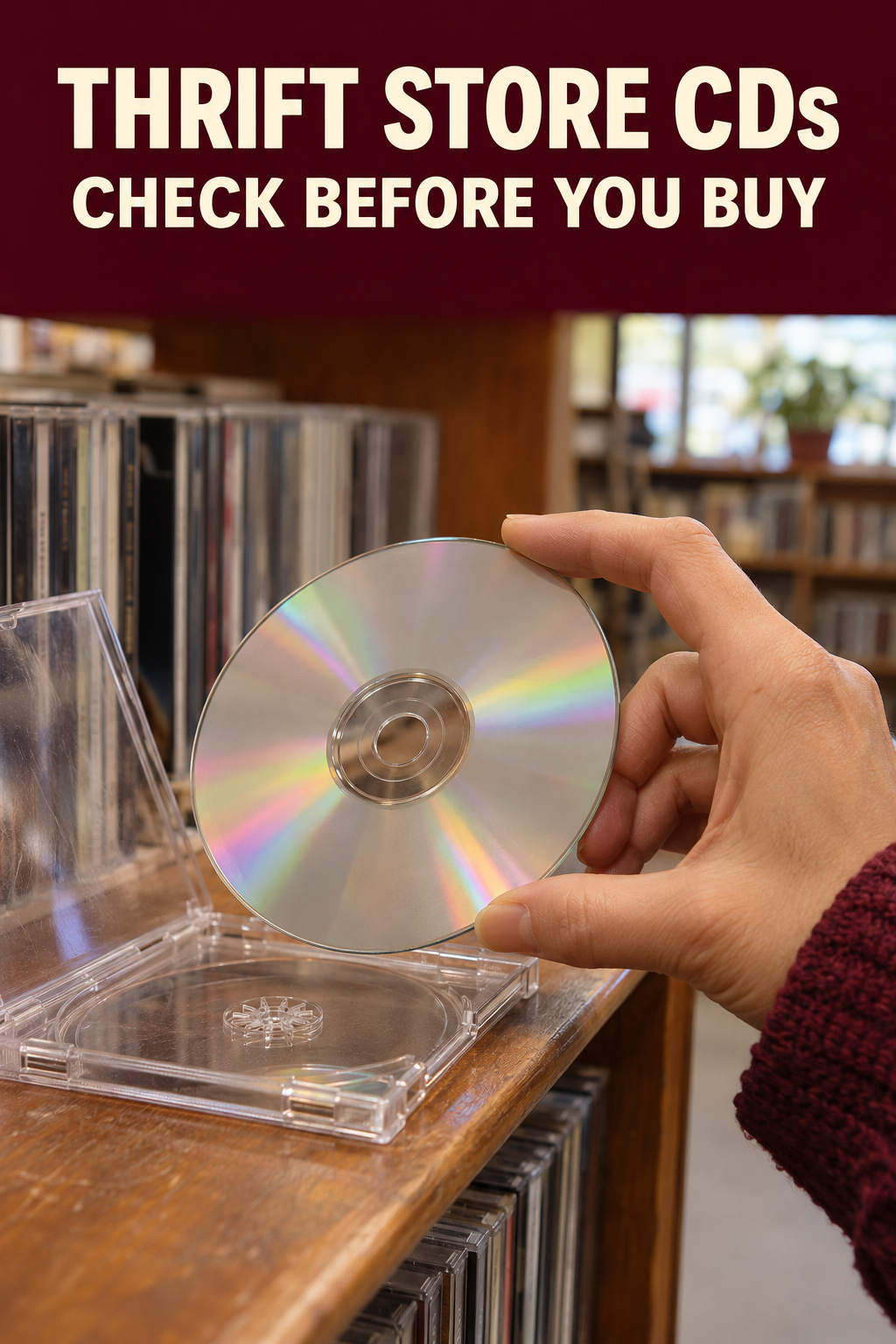
The cover is what gets me to pick up a CD. The first thing I do after that is open the case. In half a minute I can usually tell whether I’m still interested and whether the CD needs a new case when I get home.
This post contains affiliate links. As an Amazon Associate I earn from qualifying purchases.
My quick used CD check
- 0–10 seconds. Read the disc label. Match it to the case. For a two-disc set, check for both discs and their numbers. If I came for a bonus track or soundtrack edition, I’d check the track listing on the back before I assume it’s the copy I want.
- 10–20 seconds. Tilt the disc in the light. If store rules allow, handle it by the edge and center hole. Look for obvious cracks, chips and deep scratches. I’d pass on a cracked disc. A visual check helps me decide whether to buy, and I’d still play it at home before calling it tested. See the Library of Congress handling guide.
- 20–30 seconds. Check the paper and the case. Is the booklet there? Is the back insert missing? Does the disc stay seated on the hub? A cracked ordinary jewel case is easier for me to deal with if the disc and original artwork are there.
When I’d replace the case
If I regularly bring home standard single CDs in cracked cases, I’d keep a few replacements on hand. Check the case thickness and whether the center tray is included. I’d keep any original inserts and leave unusual packaging or multi-disc trays together. See the Maxtek standard single-CD jewel cases with black trays (paid link).
For the copies I keep, here’s how to store CDs without losing their booklets and cases.