
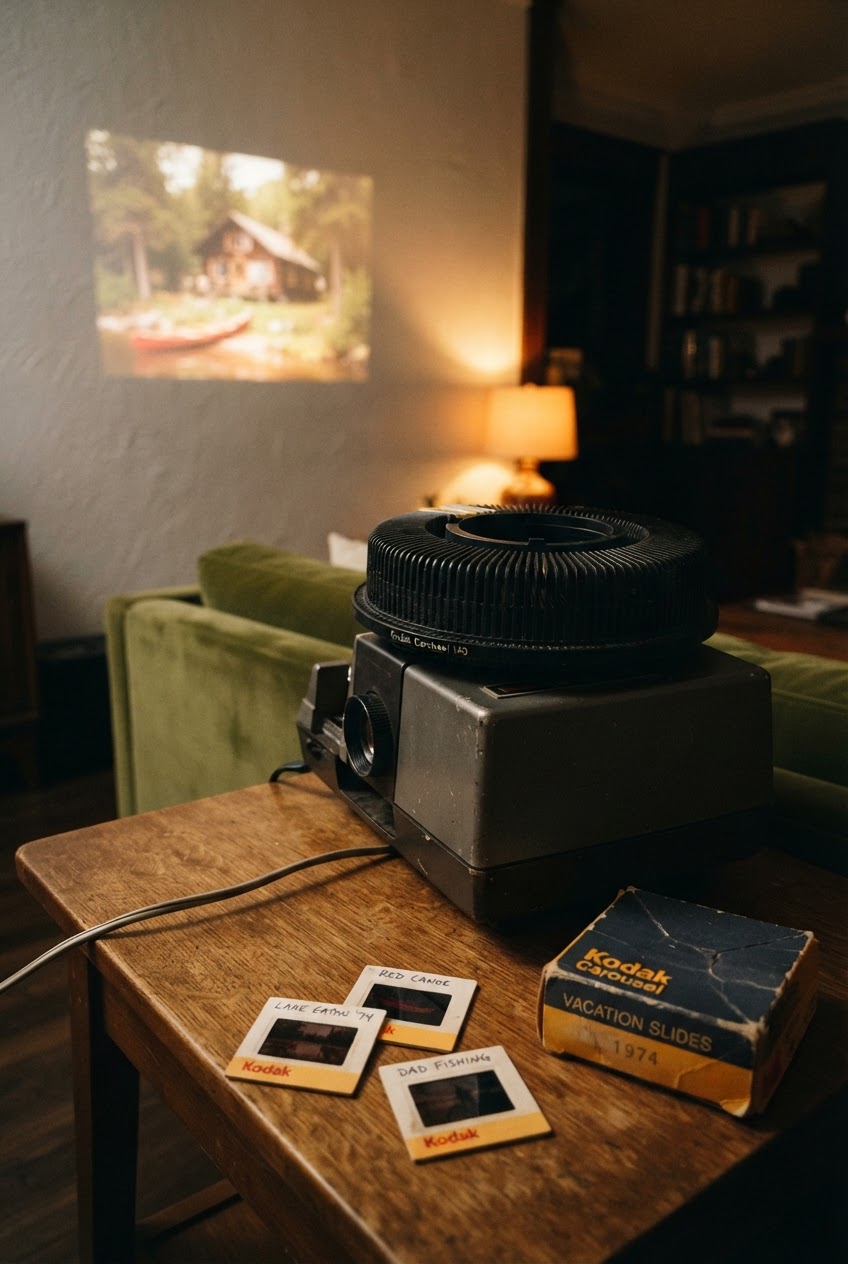
The cabin, the canoe, somebody waving from the dock. A dozen slides from one afternoon can make a better living-room show than a whole box in random order. Before buying the round tray, pull out a few slides from different parts of the box and look at the mounts edge-on. Two mounts can look identical from the front and take up quite different amounts of space in a slot.
As an Amazon Associate I earn from qualifying purchases. The image is an AI-generated styling illustration.
Choose by the thickest mount in the show
Start with the model number printed on your projector and check its manual for compatible trays. For the Kodak Carousel models covered in Kodak’s slide-tray chart, the Transvue 140 accepts mounts up to 1.6 mm thick. The Transvue 80 accepts mounts up to 2.5 mm. In a mixed box, measure the thickest mount you plan to show. For example, a 2 mm mount puts you in 80-slot territory. A mount over 2.5 mm calls for a fresh look at the chart before you buy either tray.
Ask for two photos of a secondhand tray
Ask to see the tray itself from above and below. Check its model marking, the retaining ring that keeps the slides in place, and the condition of the bottom plate. An old Kodak box is handy for storage, but someone may have put a different tray inside. Check offers for the Kodak Carousel Transvue 80 tray on Amazon once you’ve confirmed the fit.
For the first show, try a few flat, intact slides before filling the tray. Put the rest in story order and leave an index card beside the projector. Someone usually remembers the name of the lake once they see the picture. That’s the moment to write it down.