
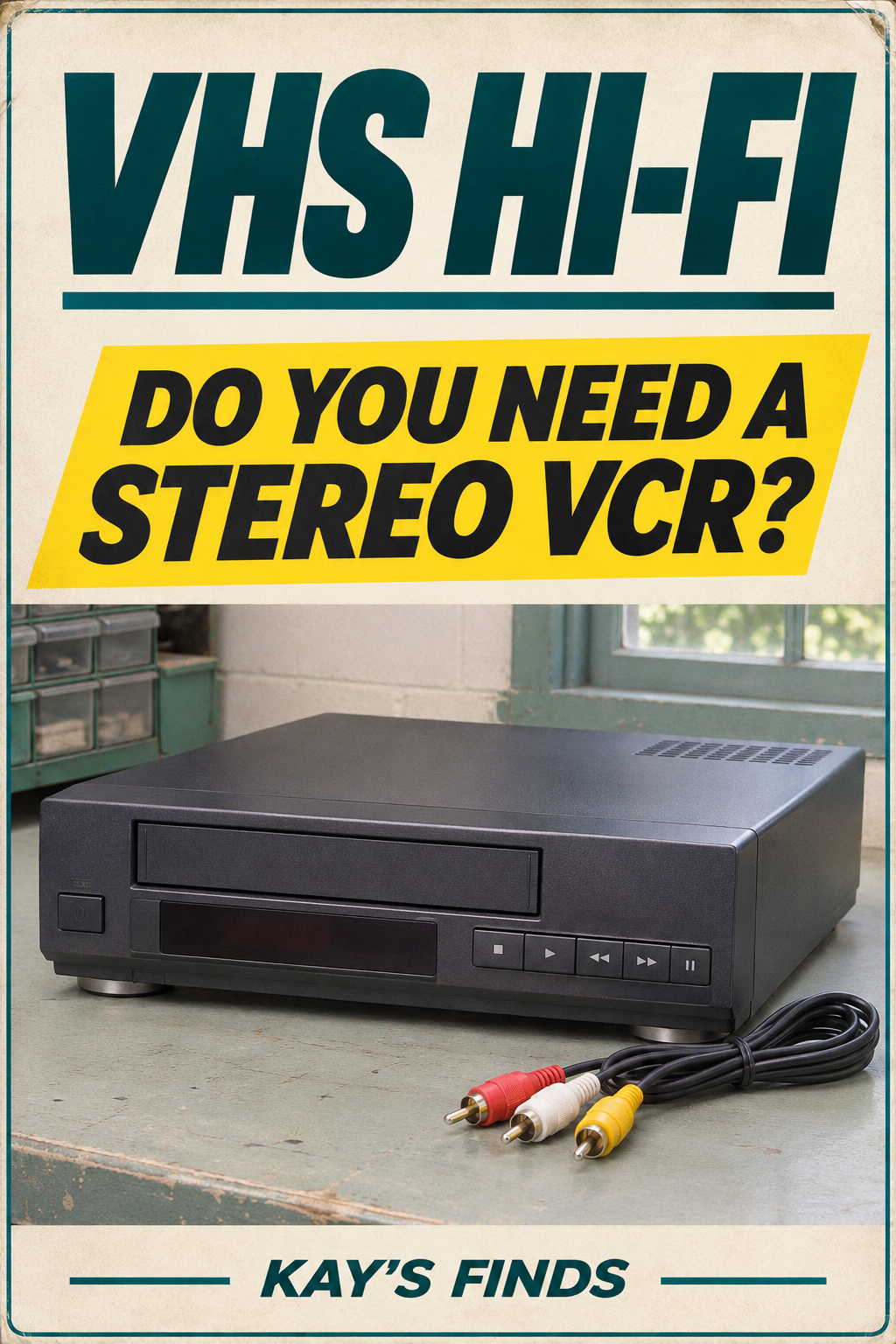
A VHS Hi-Fi stereo VCR is worth looking for if you collect music tapes, play movies labeled Hi-Fi stereo or want to keep both audio channels when digitizing. If you mostly play mono home recordings, a reliable mono deck can be enough. A Hi-Fi machine still plays a mono recording in mono.
As an Amazon Associate I earn from qualifying purchases.
Check the recording, the VCR and the connection
| What to check | What it tells you |
|---|---|
| A tape marked VHS Hi-Fi Stereo | A good candidate for testing both channels. Use a tape you know plays correctly. |
| The exact VCR model and its manual | Confirms Hi-Fi playback. A “4 Head” badge or red and white input jacks alone don’t establish what a deck can play. |
| Separate left and right AUDIO OUT jacks | Lets you route both audio channels to a stereo TV, receiver or capture device that accepts them. Check the OUT labels on the back. |
On most three-plug composite cables, yellow is video, white is left audio and red is right audio. Run both audio leads from the VCR to your receiving device. If your TV only has HDMI, check how your converter accepts the video and the two audio channels before ordering.
Two U.S. models to look for used
Sony SLV-N750. Sony’s manual documents stereo playback through the A/V connections. The Audio Monitor button on the remote lets you select the audio mode. Ask for the exact model number, a remote if you want that control, and an actual playback test. Compare used Sony SLV-N750 listings.
Panasonic PV-V4522. The manual shows separate left and right audio outputs and a Hi-Fi/Normal playback selector. Ask for a photo of the back and a demo with the stereo track selected. Compare used Panasonic PV-V4522 listings.
If you already have the deck and simply need the cable, Monoprice model 660 is a six-foot three-plug composite and stereo RCA cable. It suits equipment with matching full-size RCA jacks.
What to ask the seller to test
- Ask for a rear-panel photo showing the model sticker and the AUDIO OUT jacks.
- Ask for playback from a known stereo Hi-Fi tape, with both audio channels checked, plus rewind and eject. A power light only tells you the unit turns on.
- If a tape sounds rough on Hi-Fi, try Normal audio if the deck offers it. A clean Normal track can be the more useful copy for a transfer, even though it plays in mono on these models.
For model and playback details, see Sony’s SLV-N750 manual and Panasonic’s PV-V4522 playback instructions.
Setting up a newer TV? See how to connect a VCR to a modern TV. For a tape marked S-VHS, check whether the deck supports S-VHS playback.
The lead graphic is a digitally created editorial illustration of generic hardware.