
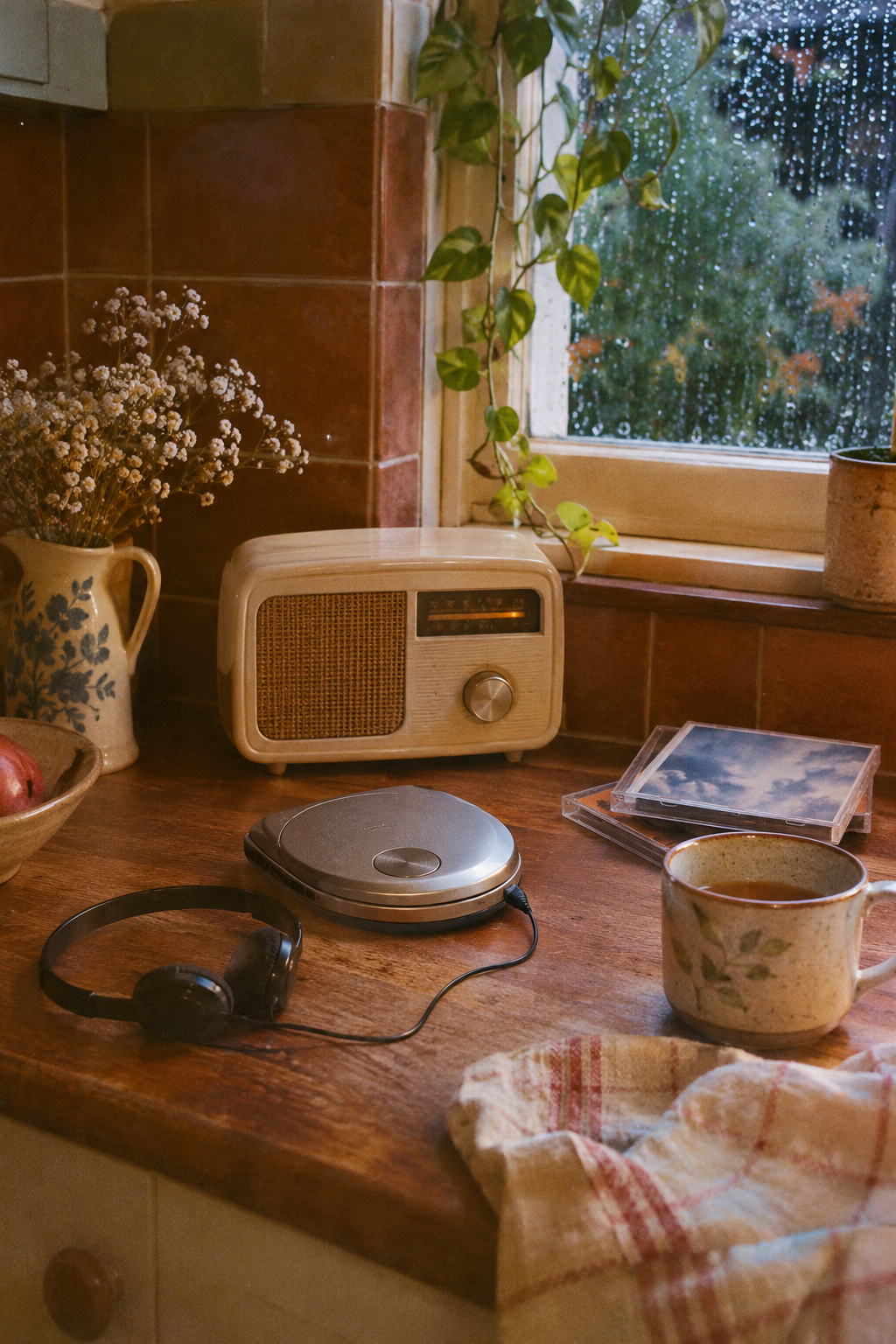
A small tabletop radio can double as a speaker for your portable CD player, but only if it has an input for an external source. Look for AUX IN, not a headphone jack. The two can look alike.
Check the exact radio and cable
The Tivoli Audio Model One classic AM/FM radio is one example with a 3.5 mm auxiliary input. Tivoli’s connection guide recommends a stereo 3.5 mm cable from the source’s headphone or audio output to the radio’s AUX input, then selecting AUX. Check the exact revision when buying used.
Get sound before you tidy up
Start with both volume controls low. Start a CD, switch the radio to AUX and raise the volume gradually. If you use the headphone jack on the player, its volume also affects the signal. If it sounds harsh, lower the player’s level and try again. The radio is for casual listening; a single-speaker model won’t replace the stereo separation of two speakers.
What I’d buy first
If you already own a radio with AUX, try an existing stereo aux cable first. If you’re buying a used radio for this purpose, ask for a rear photo and a demo from a wired source; hearing it play FM doesn’t test the AUX input.
As an Amazon Associate I earn from qualifying purchases.
Search Amazon for the classic Tivoli Model One (paid link). Confirm AUX IN on the actual product. The illustration is an example layout, not a photo of the linked radio.
The image is an original illustration of the setup.