
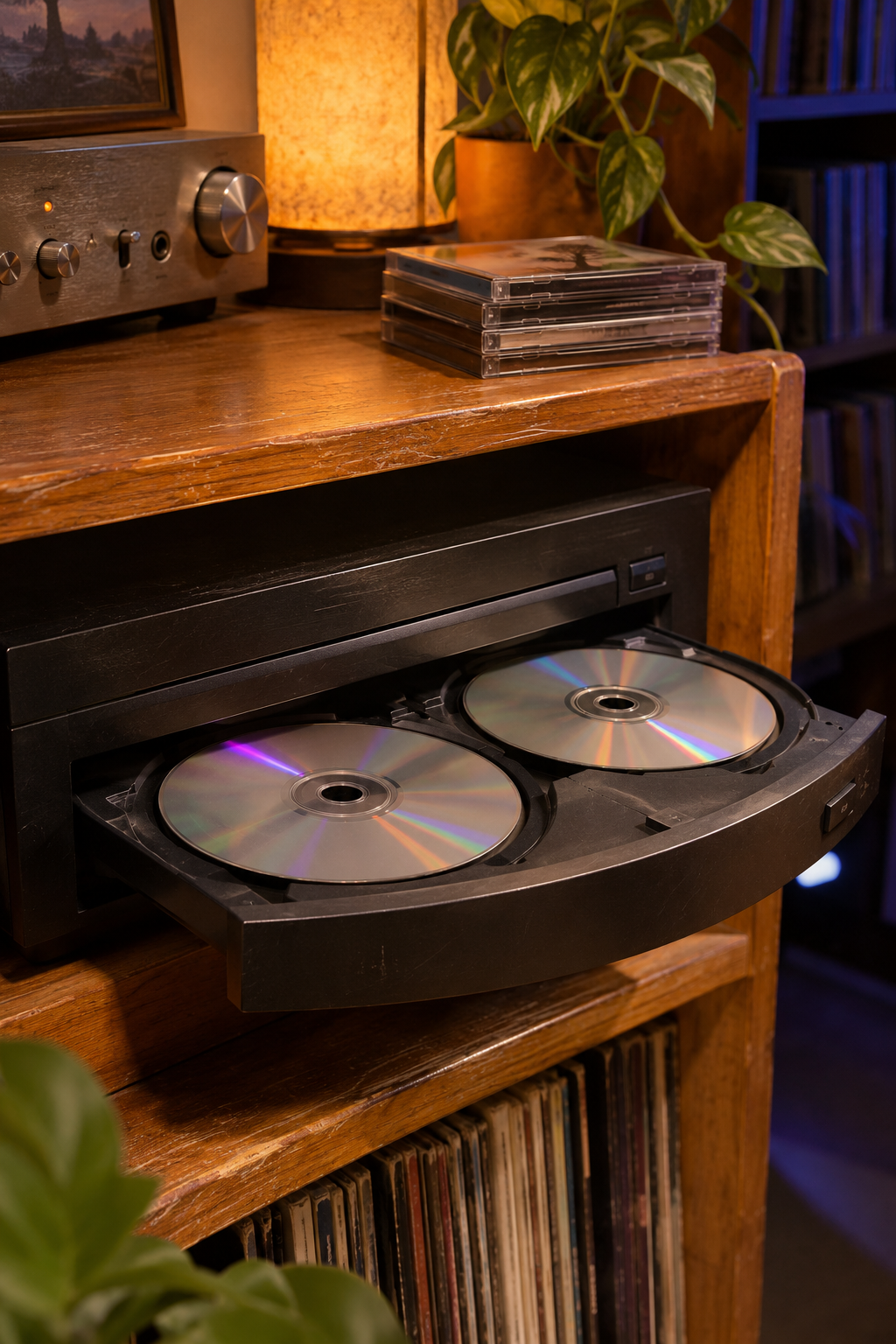
The Yamaha CD-C603’s PlayXchange feature lets you replace up to four CDs while the current disc keeps playing. Load a stack of favorites for dinner, then swap in the next round while the current album is still on.
This post contains affiliate links. As an Amazon Associate I earn from qualifying purchases.
Use the PlayXchange button during playback
- Load the discs and start playback. Seat the albums in the tray, close it and choose the disc you want to hear first.
- Press PlayXchange while music is playing. Swap the discs in the available positions and leave the farthest position clear, as shown in the tray diagram. Press PlayXchange again to close. See the Yamaha owner’s manual.
- Choose All-disc for an album queue. That setting plays the loaded CDs in sequence. Opening the tray cancels random playback, so switch Random back on afterward if you prefer it.
Check the shelf and your stereo before ordering
The CD-C603 is about 16 inches deep with the tray closed. Leave room for cables at the back and a clear path for the tray in front. It connects to a compatible receiver or powered setup through stereo RCA or optical digital output. Check the Yamaha CD-C603 on Amazon (paid link). Yamaha’s CD-C603 feature page.
Try an easy first queue for guests. Pick something mellow, an album everyone knows and a few favorites you haven’t heard in a while. Keep the next CDs within reach of the tray.
The featured image is a styled illustration.