
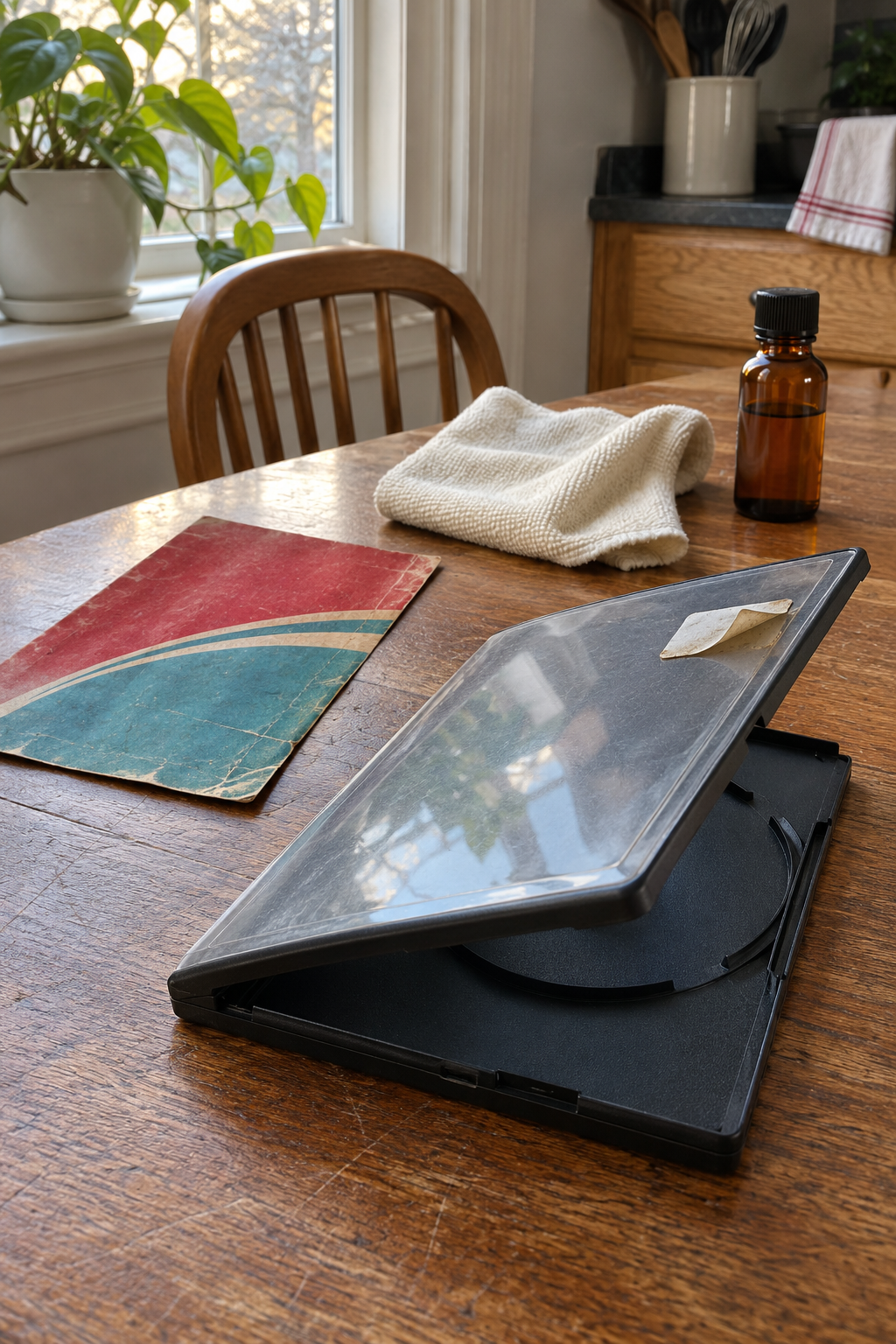
A thrift-store price sticker on the plastic DVD case is usually easier to deal with than a sticker on the printed cover. Before cleaning the case, take out the disc and slide out the artwork. Check which surface actually has the sticker before you pull or apply anything.
As an Amazon Associate I earn from qualifying purchases.
Separate the disc, paper and plastic
- Sticker on the outside of the plastic. Slide the cover insert out and set it aside with the disc. Lift one paper corner by hand and peel slowly. Keeping the paper separate also lets you see whether the clear sleeve has lifted or wrinkled.
- Sticker attached to the printed cover or cardboard slipcover. Keep that piece dry and leave a stubborn sticker in place if the ink or paper starts lifting with it. For reselling, a photo of the sticker and a short condition note can be enough.
- Clear sleeve is cloudy, split or misshapen. A spare case of the same width and disc count may be the quickest route. Save the original paper insert and move it into the replacement.
Lift residue from the empty case
Try a soft cloth and a little dish soap first. For stubborn residue on compatible plastic, the Goo Gone Original adhesive remover (paid link) is one option. Follow its hard-surface directions and test a hidden spot on the same material. Keep the product localized to the plastic, wipe it away, and wash the treated spot with soapy water as directed. Let the empty case dry completely before the paper and disc go back in.
Check the result in daylight
Hold the clear sleeve at an angle and check for residue, clouding or lifted edges. If you’re selling it, describe what’s still visible and include a quick photo. If the case needs replacing, follow this DVD case replacement guide to retain the original artwork.
For compatible surfaces, spot testing and cleanup, see the Goo Gone Original product directions.