
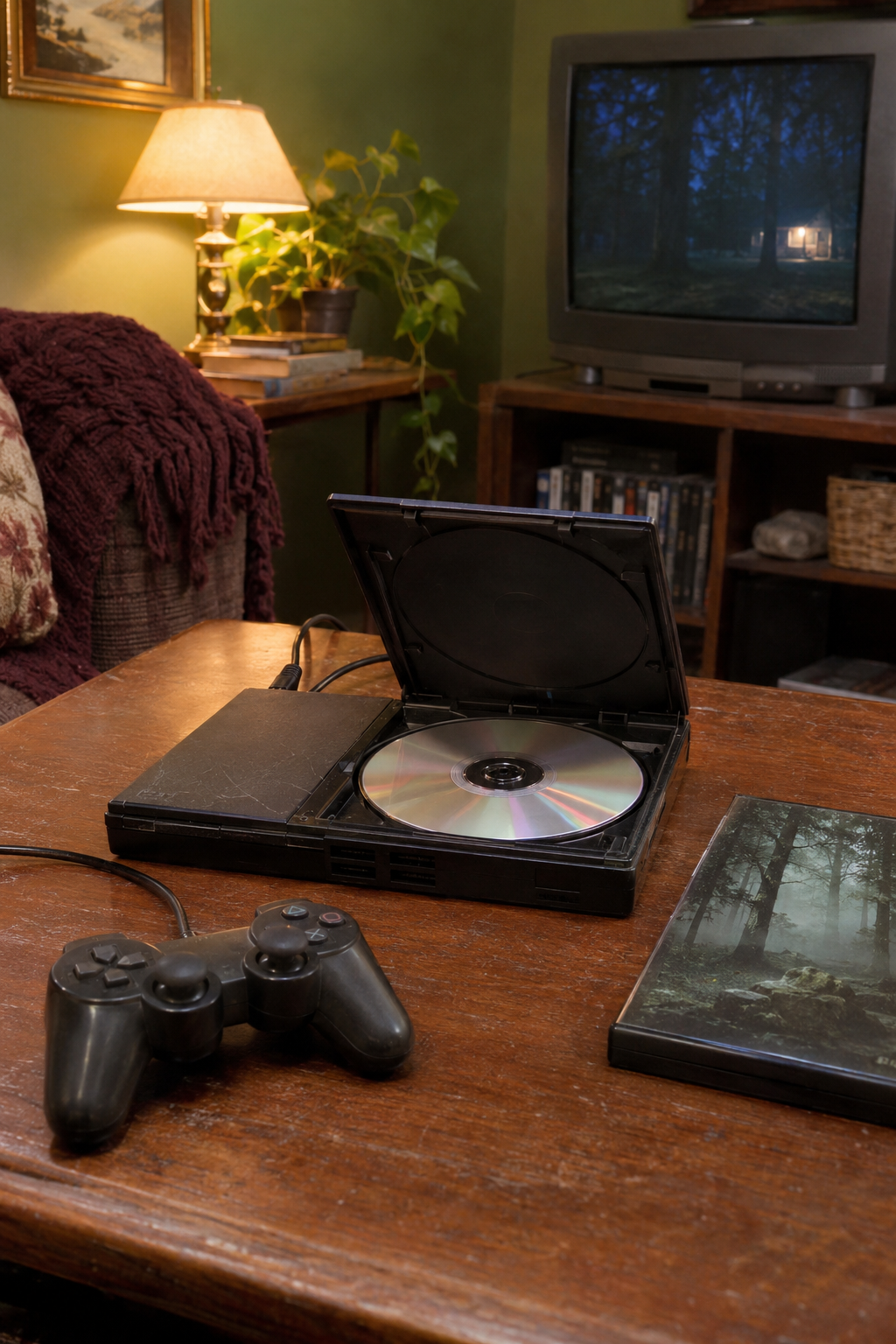
Yes. A North American PS2 Slim such as the SCPH-70012 plays compatible movie DVDs without a memory card. Use the regular controller to navigate the disc menu. You’ll need a suitable video connection on the TV and a DVD the console can read.
As an Amazon Associate I earn from qualifying purchases.
Set up a movie with the controller you have
- Check the movie disc. Try a known-good commercially pressed Region 1 DVD on a U.S. or Canadian console. A movie Blu-ray or 4K UHD disc is a different format.
- Connect the console and choose its input on the TV. For composite video, yellow carries the picture and the red and white plugs carry audio.
- Insert the disc and close the lid. Start the console. If the movie doesn’t start automatically, look for the disc in the Browser. Follow the DVD menu with the controller.
Sony’s SCPH-70011/70012 manual shows the Browser and the on-screen DVD controls. If an imported DVD gives you a region error, check the code on the case and pick a disc for the console’s region.
Check what your TV accepts before replacing a cable
For a TV with a yellow composite input and red/white audio inputs, the Tomee PlayStation composite AV cable (paid link) is an example of a replacement. Sony’s AV connection guide shows how to identify the plugs. Some modern TVs use a model-specific adapter for composite, and HDMI-only sets need a compatible powered converter or cable. Check the TV manual and the converter’s supported inputs before ordering.
If games work and your movie won’t load, try a second known-good DVD of the same region. That gives you a better starting point than buying a memory card or a DVD remote.