
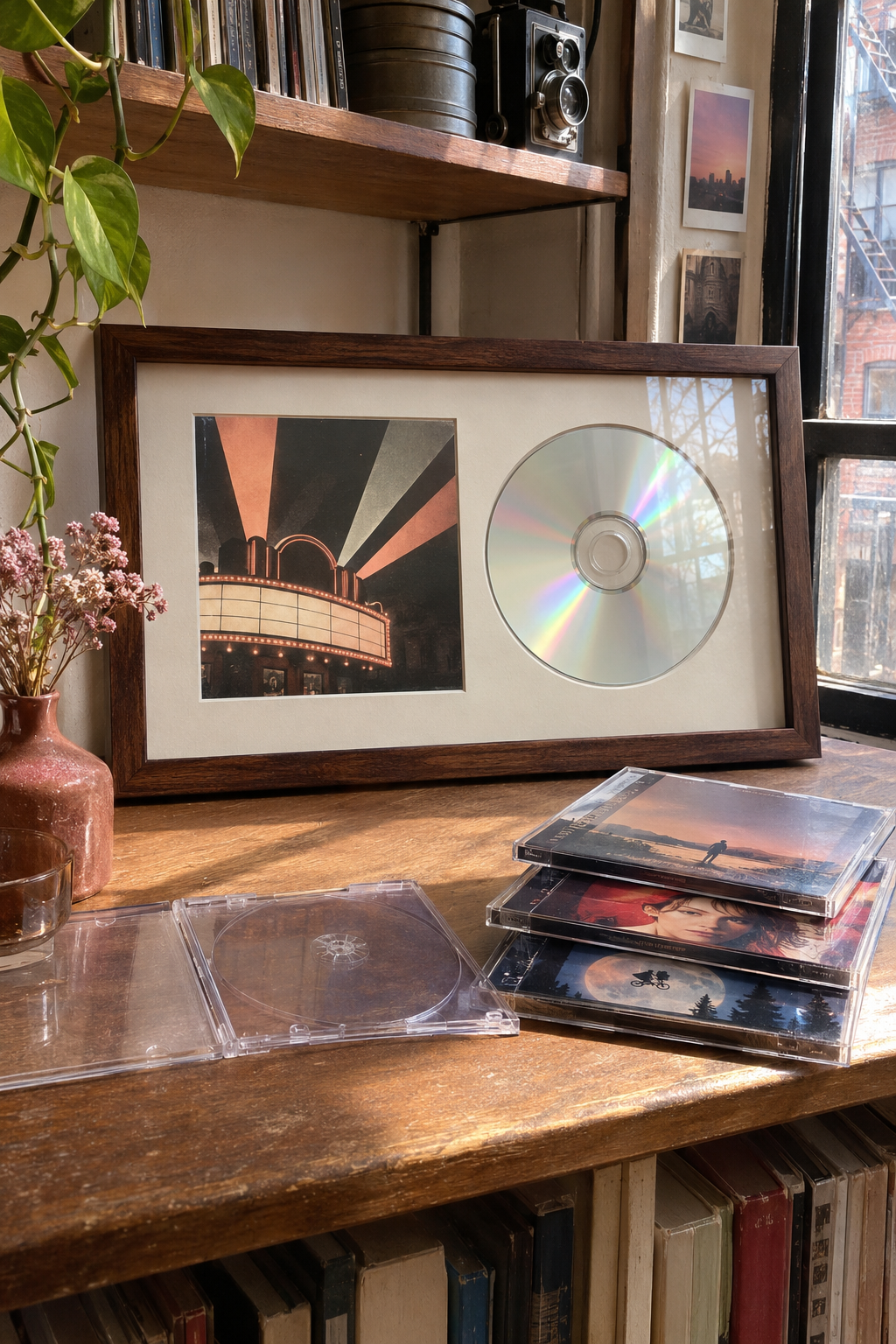
A favorite soundtrack can look good on the shelf even when it’s out of the player. A CD display frame lets you put the disc and its cover art side by side. Start with a standard disc and a thin booklet, or give a scratched duplicate a second life as display art.
As an Amazon Associate I earn from qualifying purchases.
Measure the piece you want to display
- Disc and a thin booklet. Pull the paper insert out of the jewel case and measure it flat. Check the mat opening and how it holds the disc. Choose a mount that keeps the disc secure and can be opened again to remove it.
- Thick booklet or folded insert. Check the thickness and the part of the cover you want visible. A snug mat can crop the title or press into the folds.
- Whole jewel case or cardboard digipak. Measure width, height and depth with the case closed. Look for a deeper display frame built to hold the complete package.
One frame to compare for a standard CD
The Americanflat CD and album-art display frame (paid link) is designed to show the CD beside the cover art. Confirm the usable openings on the listing if your insert is an odd shape. A custom frame shop can be a better fit for a whole digipak or a thick signed booklet.
Keep the disc and artwork easy to remove
Use the frame’s own mount and keep tape or adhesive on the backing materials, away from the disc and original paper. Do a dry fit before closing the frame. Set it on the shelf away from direct sun. If the CD is one you still spin often, frame a spare copy so the playable one stays in its case.
Compare the Americanflat product details with a frame made for a full digipak or jewel case. To display a keepsake from the same film, see how to mount a movie ticket stub using photo corners.