
Use 12 mm tape for short labels on drawer lips and narrow edges. Try 24 mm tape when you want larger text or two lines on a broad bin face. Measure the flat section you’ll actually stick the label to, especially around handles, ridges, and curved corners.
This post contains affiliate links. As an Amazon Associate I earn from qualifying purchases.
Match the width to the job before buying tape
- Measure the flat area. Tape width is the thickness of the strip across its short side. If a drawer lip has less than 12 mm of flat space, look for a narrower tape that your printer supports.
- Try the wording on scrap paper. Cut strips 12 mm and 24 mm wide. Write a short category name on one and a two-line location or inventory code on the other, then view them from where you usually stand.
- Count the bins you will actually label. If almost every label fits on a narrow strip, an existing 12 mm printer may already cover your project. Buy wider capability for a specific set of bins that needs it.
What changes between the P-touch CUBE models
The Brother P-touch CUBE PT-P300BT takes laminated TZe tape up to 12 mm. The CUBE Plus PT-P710BT prints up to 24 mm. Check the model number on your printer before buying a wider cassette. Brother P-touch CUBE specifications. Brother P-touch CUBE Plus specifications.
When to pick the CUBE Plus
The Plus makes sense when you want both small drawer labels and broad tote labels from the same printer. Brother lists a 24 mm black-on-white starter tape for the Plus. If you plan to use a different finish or background color, check that the cassette is TZe and compatible with the exact model.
Check the Brother P-touch CUBE Plus PT-P710BT on Amazon (paid link).
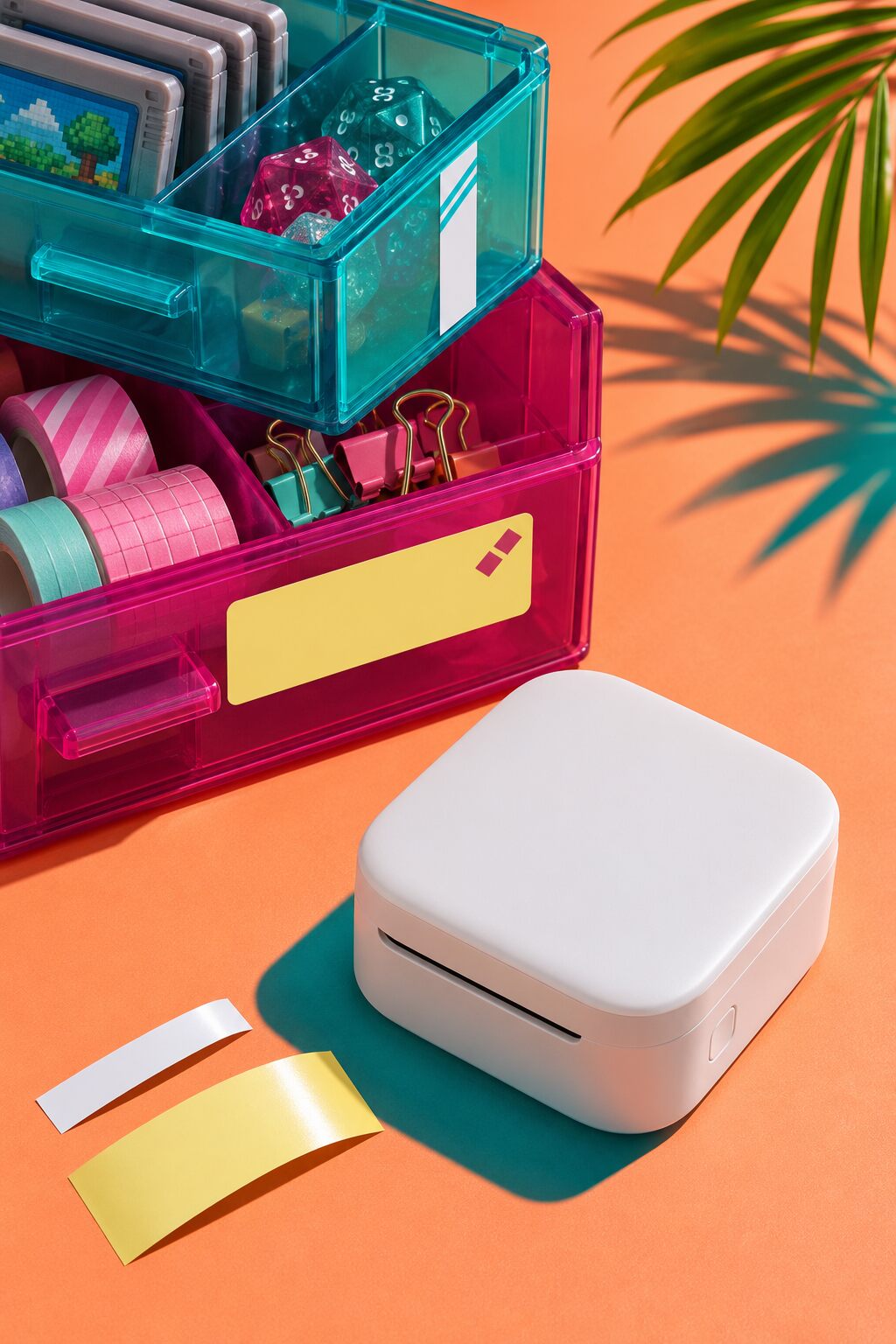
The featured image is a styled illustration.