
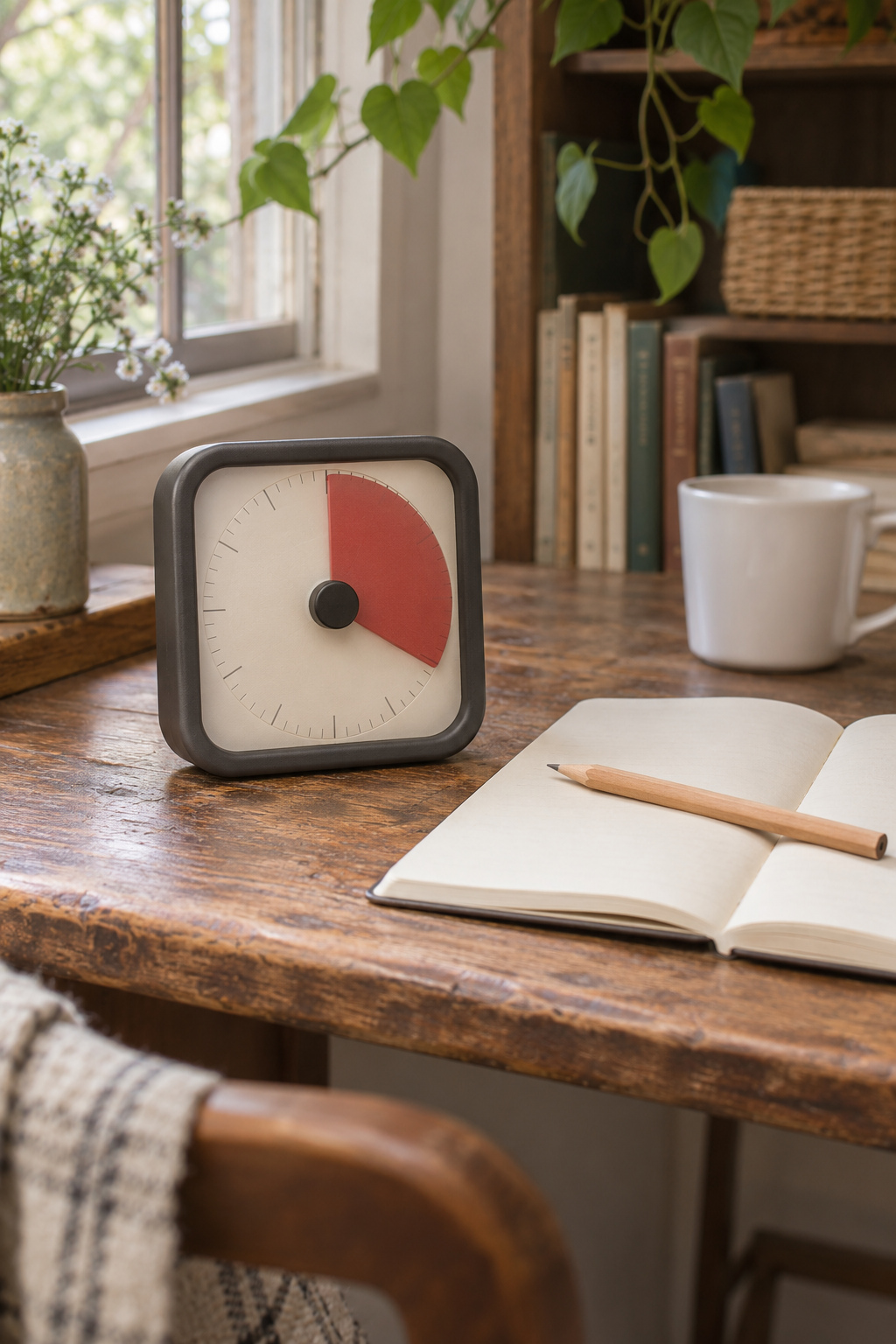
Yes. You can turn off the Time Timer MOD’s end alert. The disk still shows time passing, and the timer runs without a ticking sound. The sound switch is on the back.
This post contains affiliate links. As an Amazon Associate I earn from qualifying purchases.
What changes when you mute it?
The MOD user guide explains how to switch the alert on or off. Leave the alert off if you’ll be looking at the disk and want a quiet room. Turn it on if you want a sound when the interval ends. A muted timer works best when you can easily see the dial.
Check where you’ll actually put it
- Choose a spot you can see. Sit where you usually work and check how far away the timer will be. Keep the dial facing you if you plan to use it without sound.
- Think about when a beep helps. If you’ll turn away often, decide whether you want the end alert. Try both settings once before relying on the timer.
- Check the power. The MOD takes one AA battery. Check the exact package to see what’s supplied.
The Time Timer MOD 60-minute visual timer in Charcoal is one compact option for a desk or shared table. Choose it if a visible countdown suits the way you work. The featured image illustrates a visual timer on a desk.