
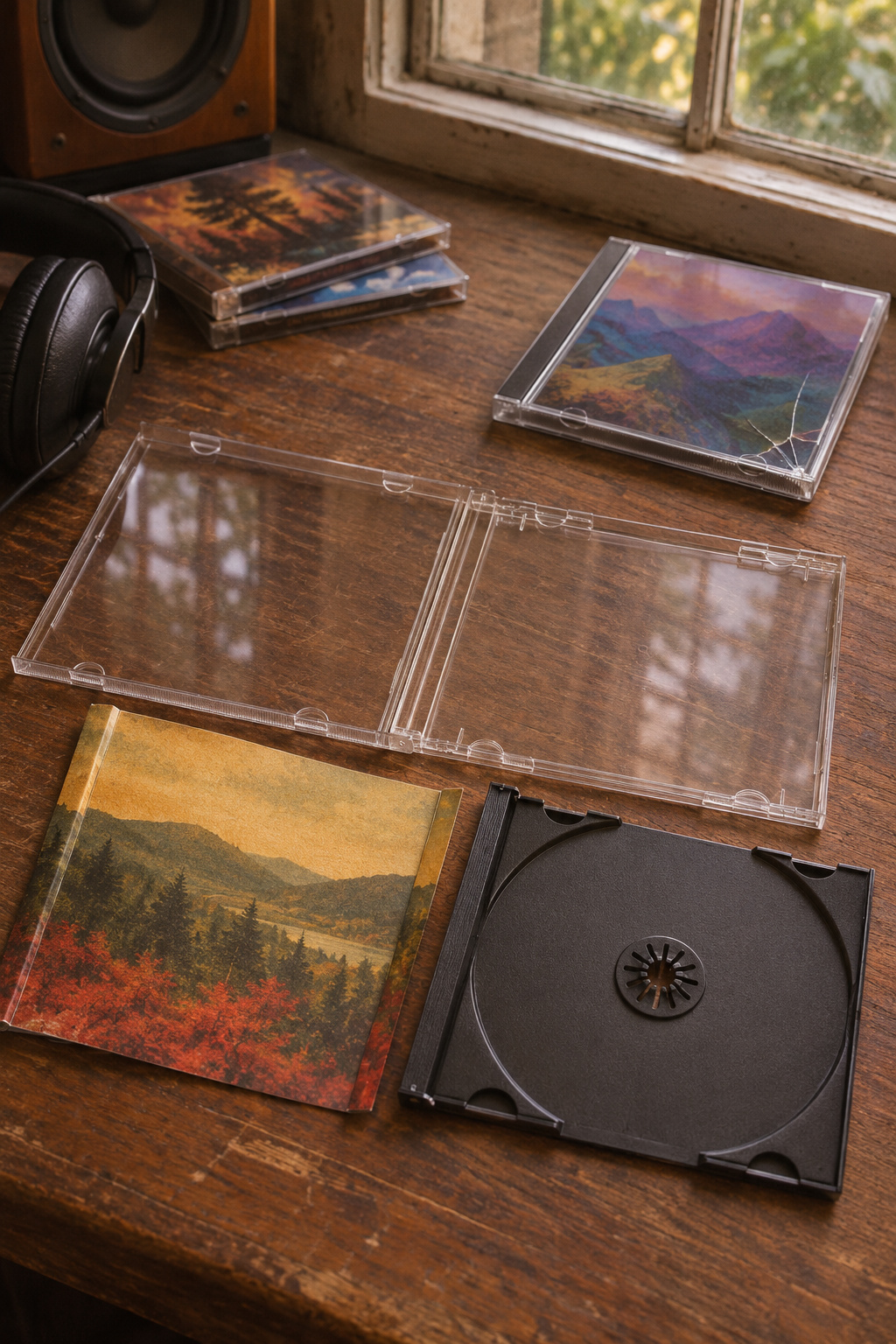
For a standard single-disc CD with a booklet and back art, start with a like-for-like 10.4 mm jewel case with a removable tray. The folded back insert under the tray usually carries both spine titles. Check the old case before buying a replacement pack.
This post contains affiliate links. As an Amazon Associate I earn from qualifying purchases.
Find the format before ordering
- Measure the closed case at the spine. Maxtek lists a standard single-disc case at 10.4 mm and its slim format at 5.2 mm. A two-disc case, wide case, or cardboard package needs its own match.
- Match the tray style. Use a clear tray when there’s printed art you want to see through it from the inside. Choose the black version if it matches the original package.
- Look at all the paper pieces. Most standard cases have a front booklet and a separate rear insert with folded spines. Check the back shell and tray before ordering.
Move the paper and disc one piece at a time
Set the disc aside by its edge, then slide the booklet from under the lid tabs. Lift the old tray gently from an edge to free the rear insert without tearing its folds. Slip that insert into the new clear back with the artwork facing out, then refit the tray. If any plastic is cracked and binding, work slowly so the corners of the paper stay intact.
The Maxtek standard 10-pack has clear shells and black trays, one disc per case. Try one with your thickest booklet before replacing the rest of the stack. Maxtek standard case specs · Maxtek standard and slim case lineup.
Check the Maxtek 10.4 mm black-tray 10-pack on Amazon.
For storing the repaired collection, see the shelf ideas in the Kay’s Finds guide to keeping CD jewel cases and booklets.
The featured image illustrates the parts of a standard jewel case and its printed inserts.